Same listing price · RAW or JPEG
DNG, CR2, CR3, NEF, ARW, RAF, ORF, up to 60MB per file. Upload it as-is and FrameLifter converts and enhances it automatically, no Lightroom step first. HEIC files from an iPhone work the same way.
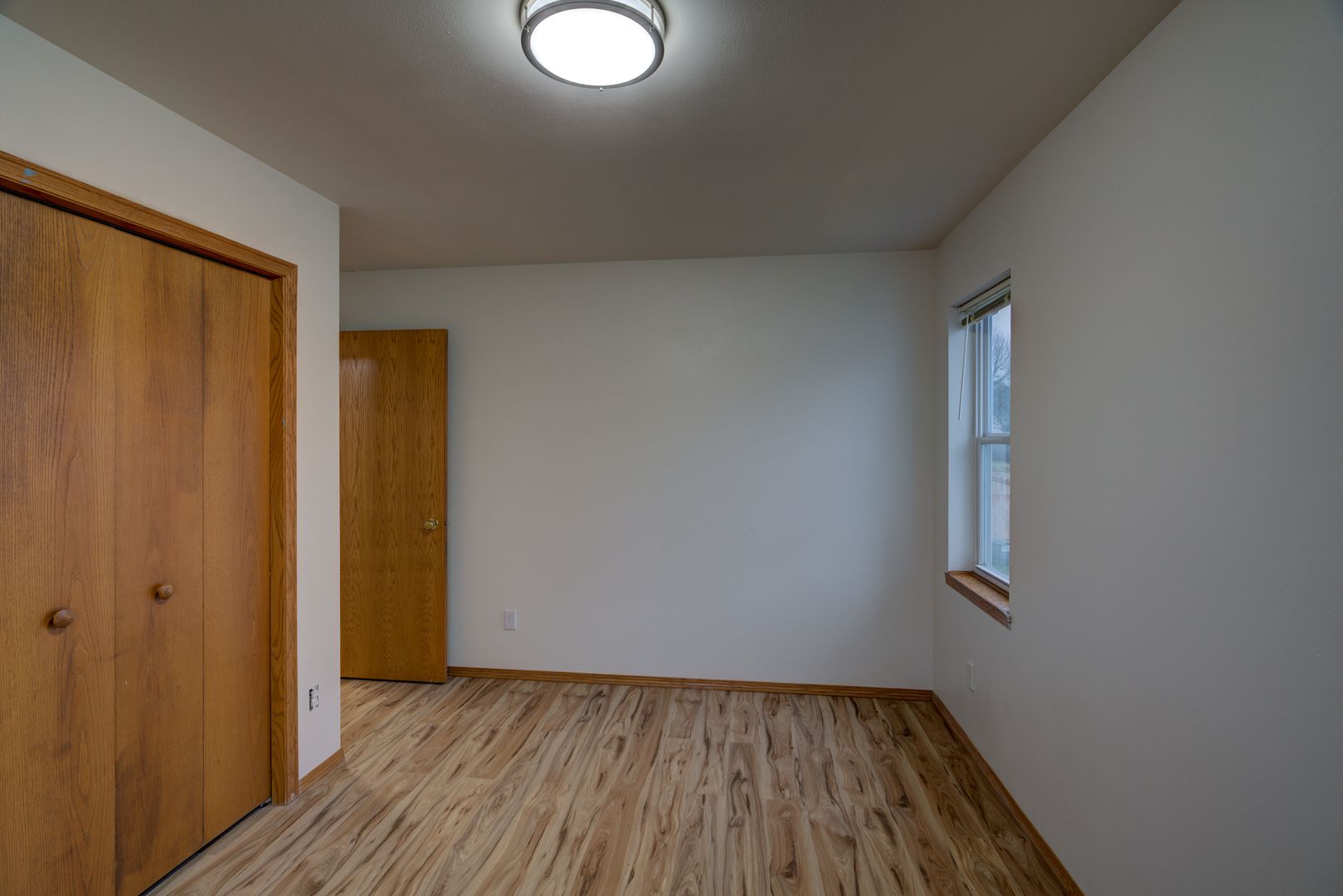
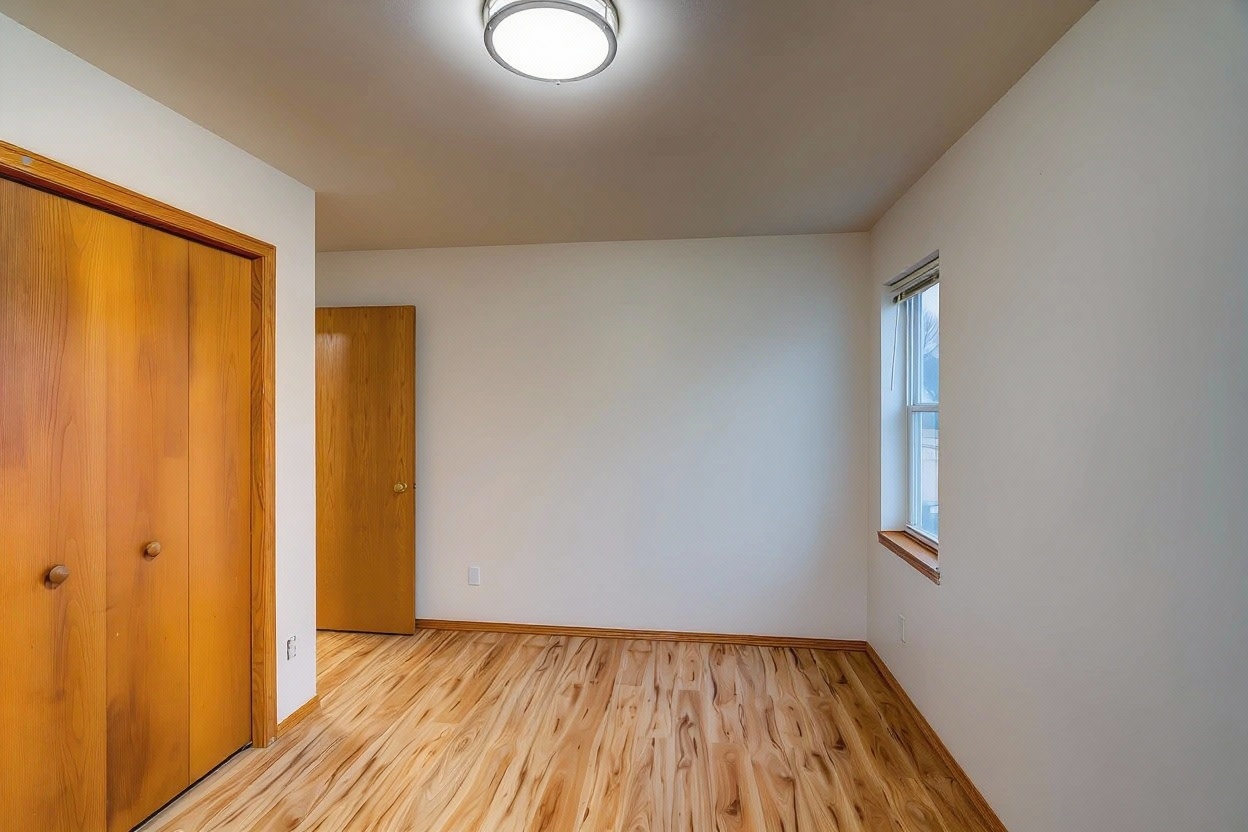
RAW converted and enhanced automatically
Pull the file straight off your card or camera, DNG, CR2, CR3, NEF, ARW, RAF, or ORF, up to 60MB, and upload it directly.
FrameLifter converts the RAW file and runs the same enhancement pass as any other photo, no separate RAW processor needed.
Download the enhanced, listing-ready photo. No Lightroom, no Capture One, no manual export step.
DNG, CR2, CR3 (Canon), NEF (Nikon), ARW (Sony), RAF (Fujifilm), and ORF (Olympus), up to 60MB per file.
HEIC files straight from an iPhone are supported too, no manual conversion to JPEG required before upload.
Skip Lightroom or Capture One entirely. Upload the RAW file and get an enhanced, listing-ready photo back.
FrameLifter accepts DNG, CR2, CR3 (Canon), NEF (Nikon), ARW (Sony), RAF (Fujifilm), and ORF (Olympus) files, up to 60MB per file.
Yes, up to 60MB per file, which covers RAW files from current mirrorless and DSLR cameras.
No. Upload the RAW file straight from your camera or card reader. FrameLifter converts and enhances it automatically, no Lightroom, Capture One, or other RAW processor step required.
No. RAW conversion and enhancement is included in the same listing price as any other file.
Yes. HEIC files straight from an iPhone are supported alongside camera RAW formats, no manual conversion to JPEG needed first.
Upload straight from your camera, DNG, CR2, CR3, NEF, ARW, RAF, ORF, or HEIC, and get back a listing-ready photo. Same listing price.
Secure upload · MLS-ready results · 60-second turnaround
