
A clearer picture of the possibilities.
Slide to compare these demonstration photos. Start with enhancement, then choose optional treatments for your listing.
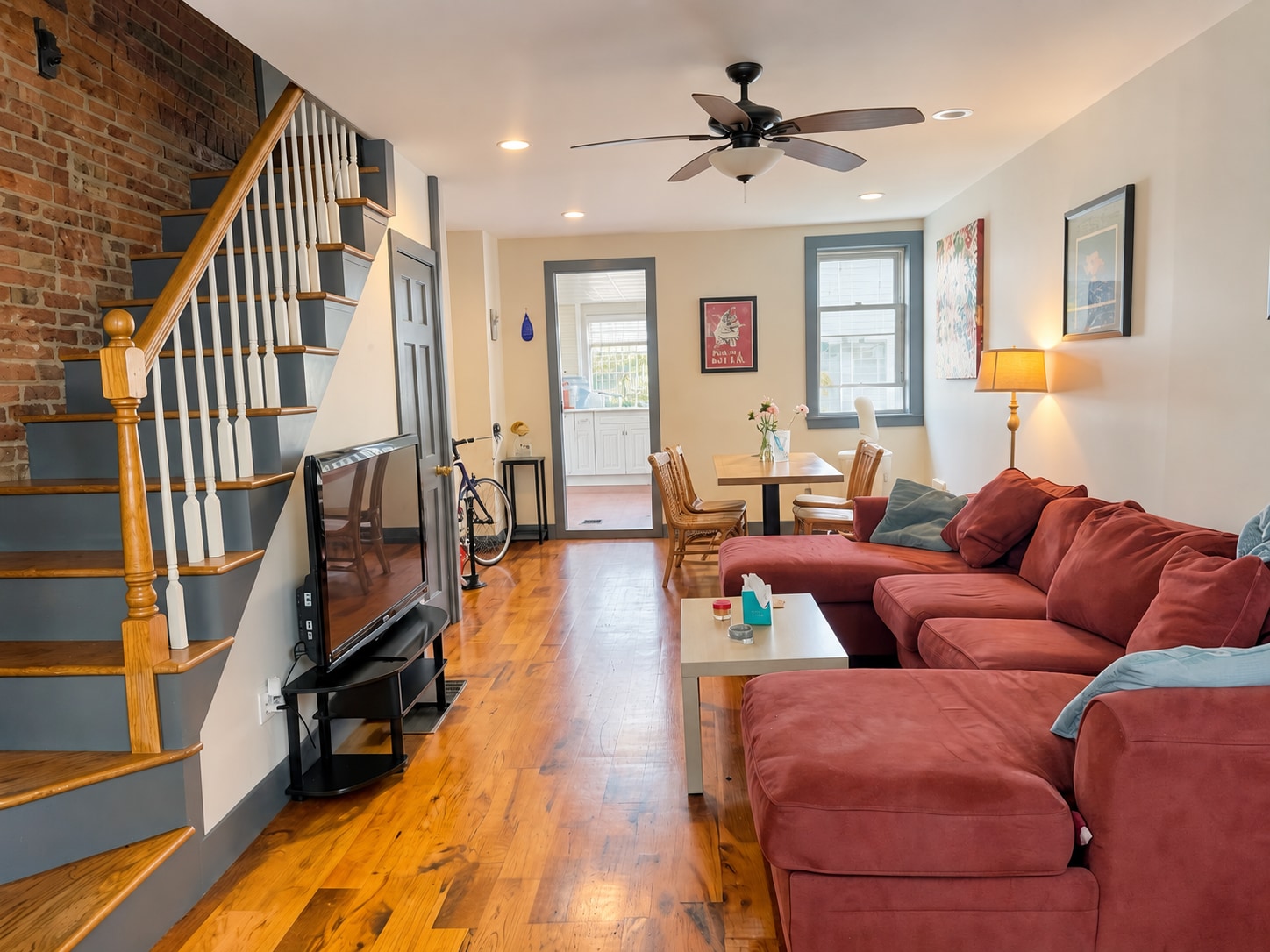
Automatic enhancement
Let the room’s light come through.
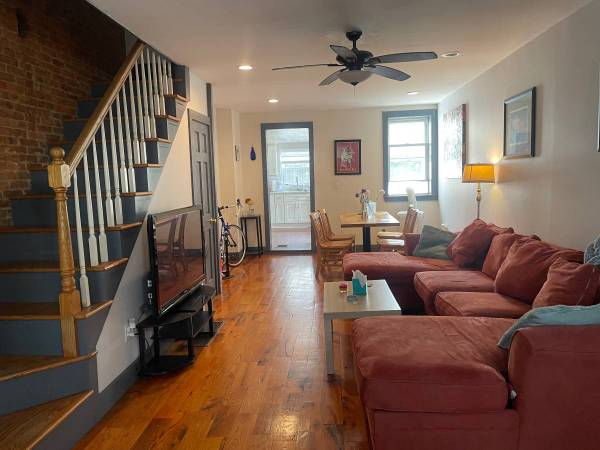
The living room is brighter, with more visible detail along the stairs and seating area. Color and contrast change across the room, and the cushions appear tidier.
Photo enhancement starts at $1.99 for one photo.
What to check in the edit
Check the sofa, floorboards, stair rails, wall art and windows. Brightness alone does not prove an edit is accurate; compare small details and the framing too.
How photo enhancement works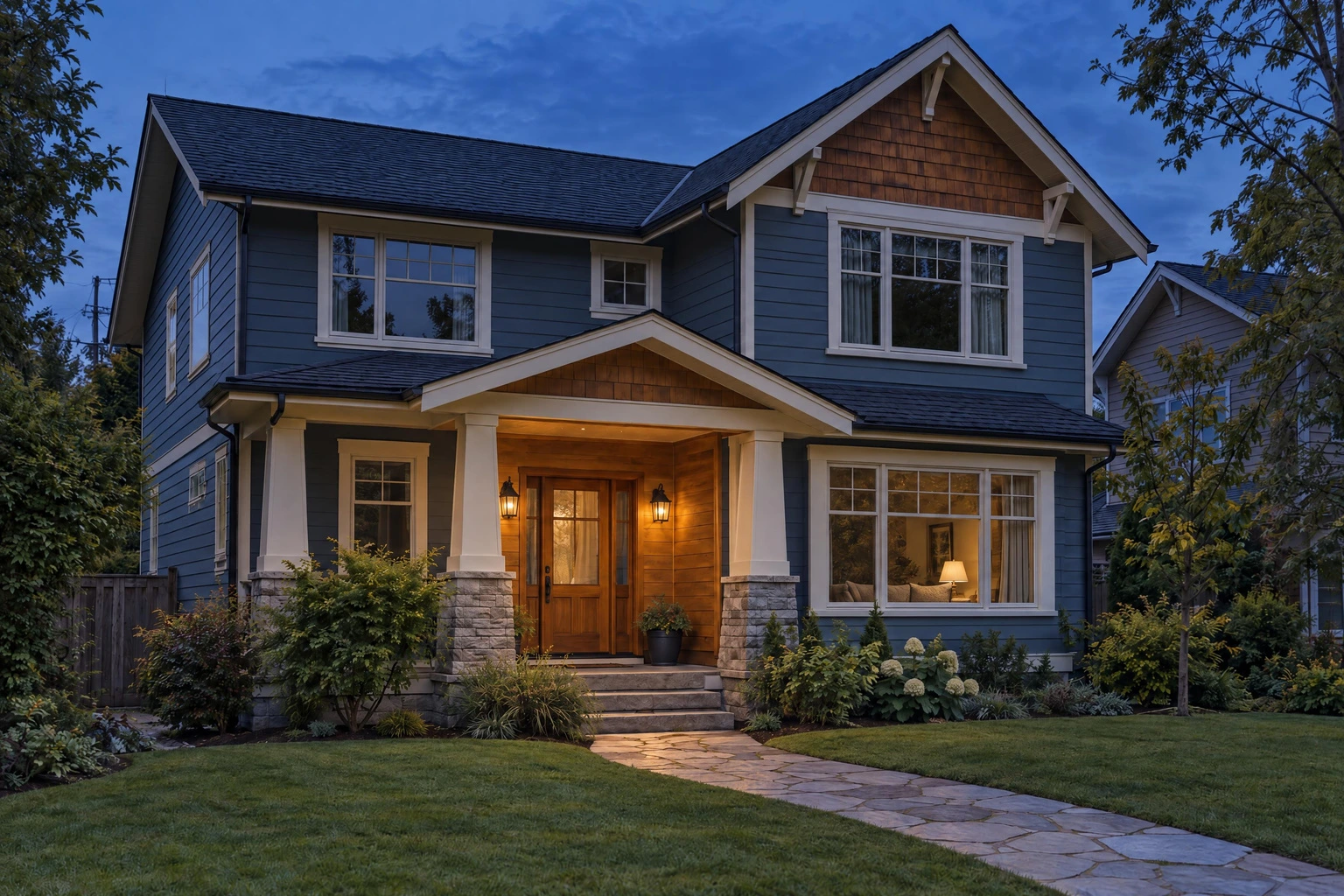
Optional treatment · uses one edit
Show the evening atmosphere.
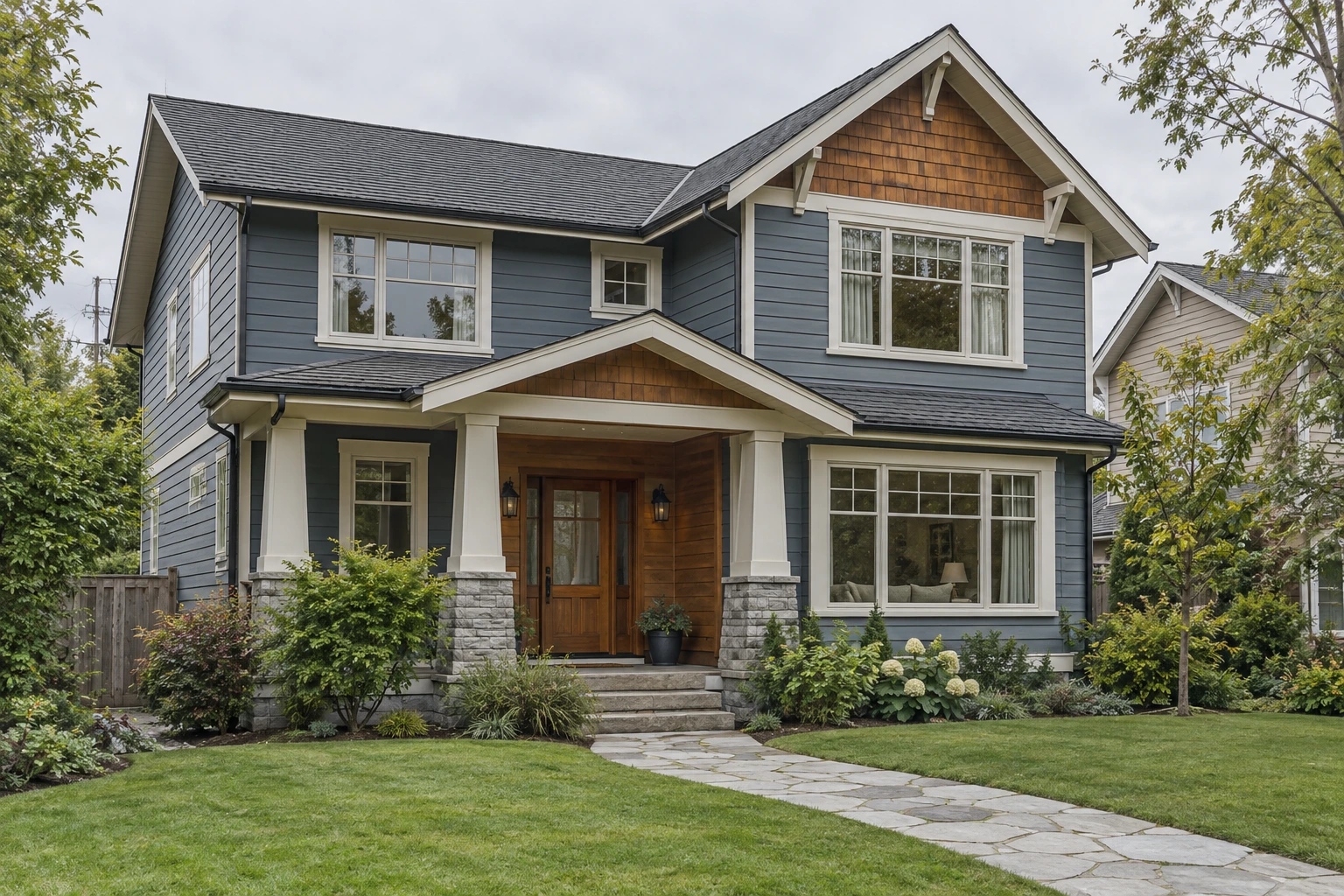
The gray daytime sky becomes an evening sky, and the scene includes warm window lighting. This is a simulated dusk treatment, not a photograph taken at a different time.
Day to dusk is available after purchase and uses one included listing edit.
What to check in the edit
Inspect the roof, windows, porch, branches and lawn. Make sure the treatment remains appropriate for the property and for the platform where you will publish it.
Explore day-to-dusk editing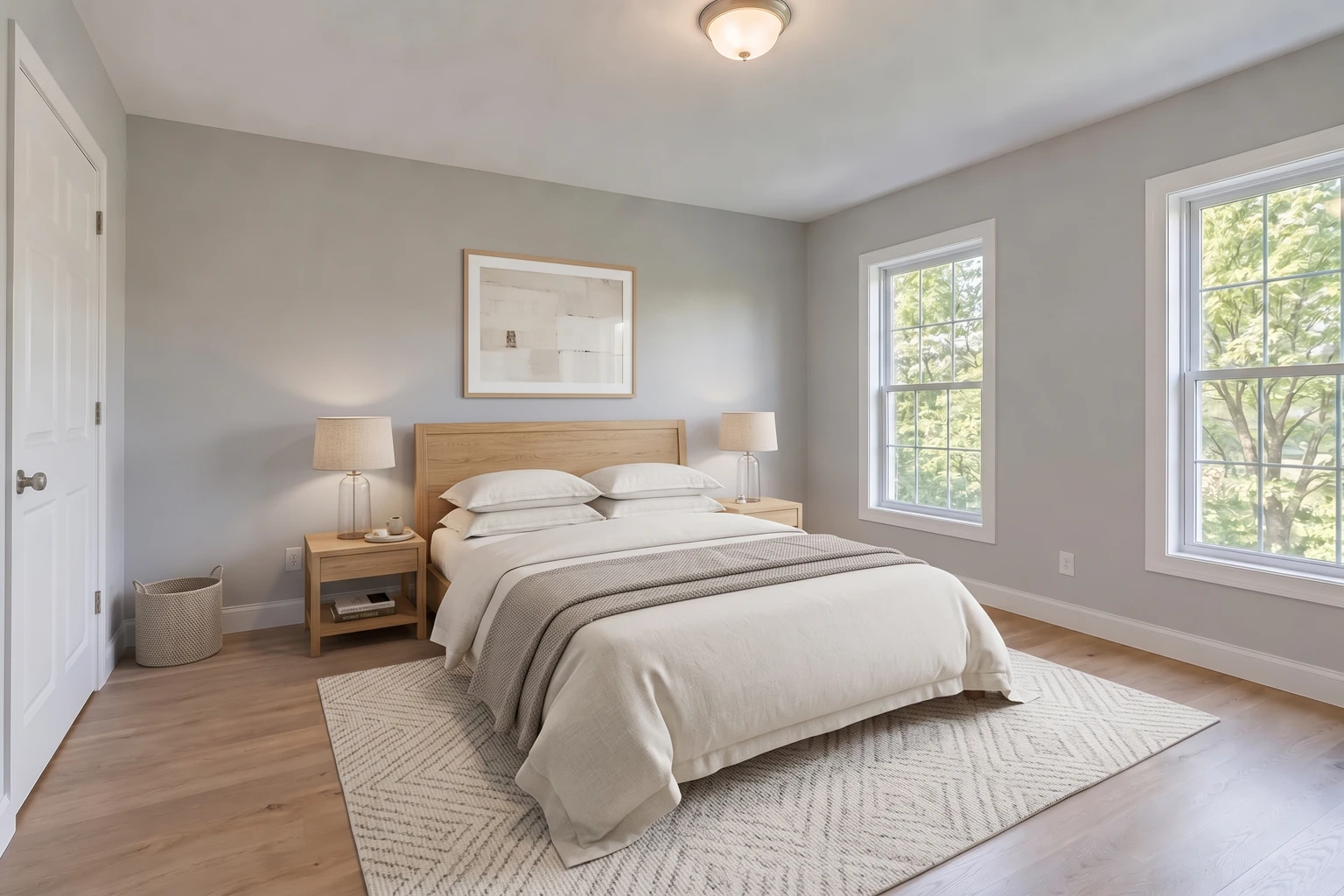
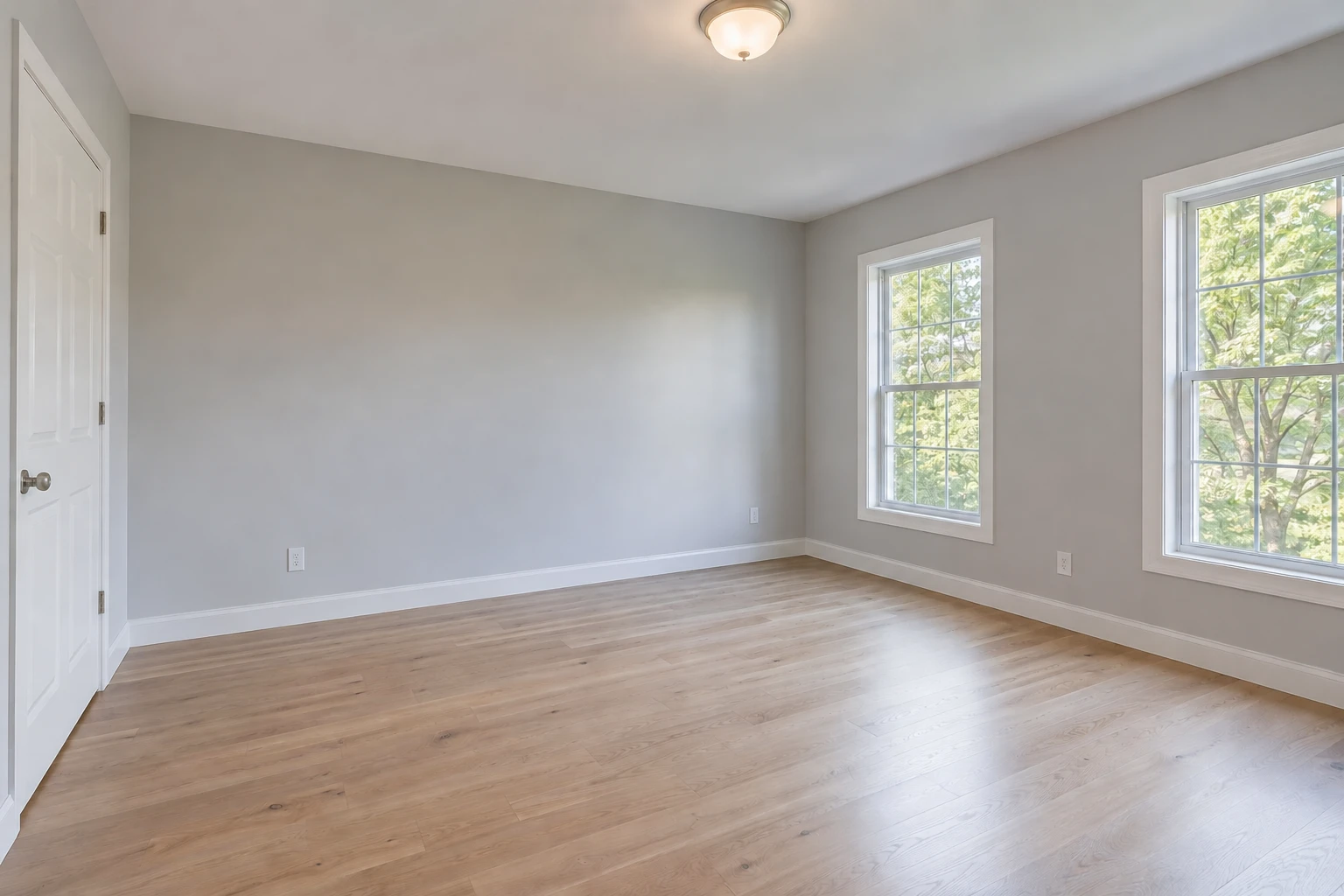
Optional staging · from $4.99/room
Help them picture living here.
The empty bedroom gains a bed, rug, bedside tables, lamps and wall art. This is digitally added furniture, clearly different from correcting a room’s lighting.
Virtual staging is a separate $4.99 per room, offered after enhancement.
What to check in the edit
Check scale and walking space around the doors and closet. Identify the image as virtually staged where required. Do not use it to imply a rental includes furniture that guests will not receive.
Explore virtual stagingThese are gallery demonstrations. Results vary by photo; compare your own free previews before purchasing.
Now try your own photos.
Free watermarked previews. No account or credit card needed.