
AI real estate photo editing, from upload to finished listing.
Give FrameLifter your listing photos and let the editor assess what each image needs. Review the before-and-after results together, make any available touch-ups, and buy the finished set when you are ready.
One edited photo for $1.99. Free previews. No account or card needed to start.
Inspect a living-room edit
Compare brightness, color and room details in this existing gallery example. Review your own results before publishing.
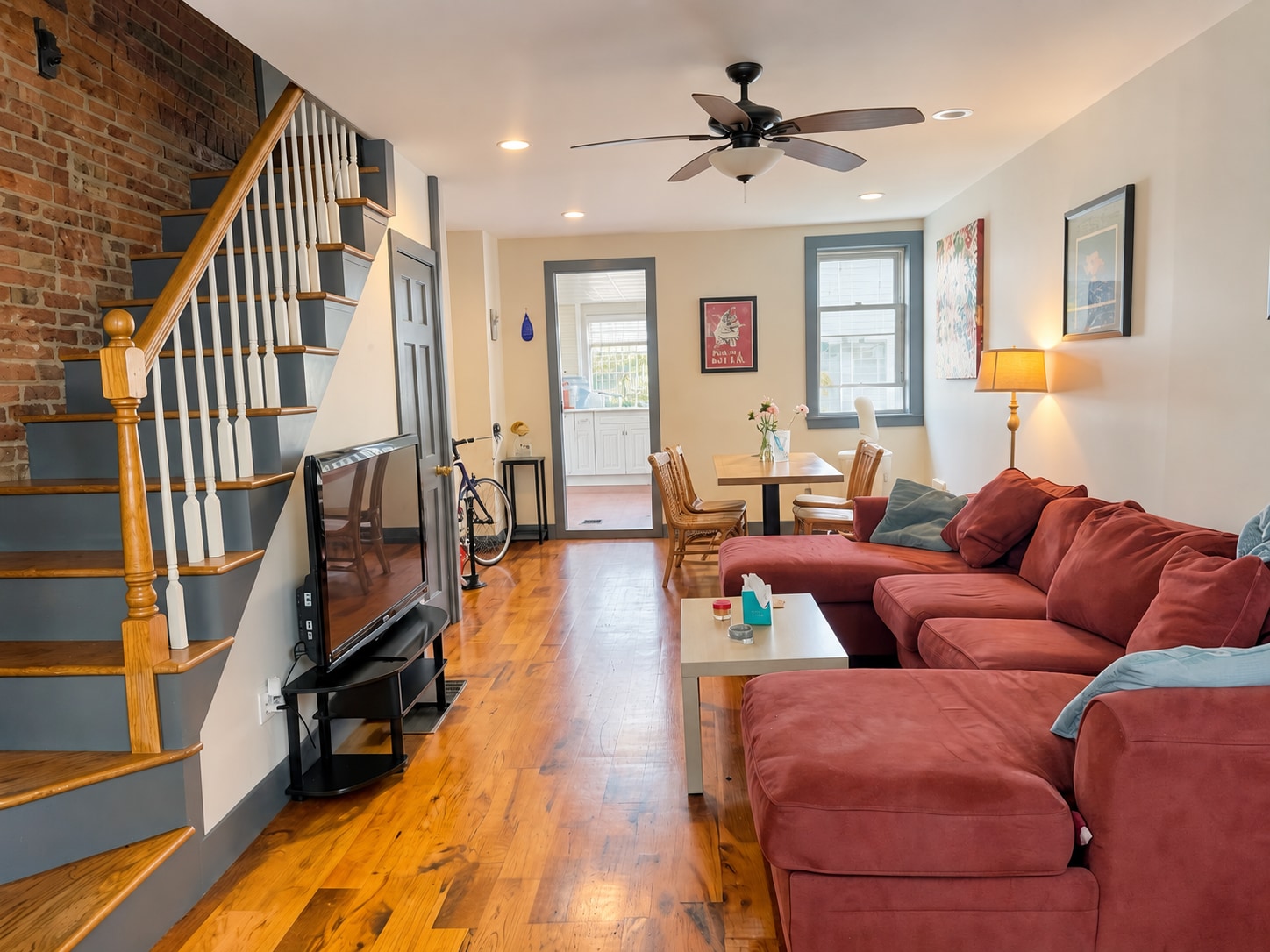
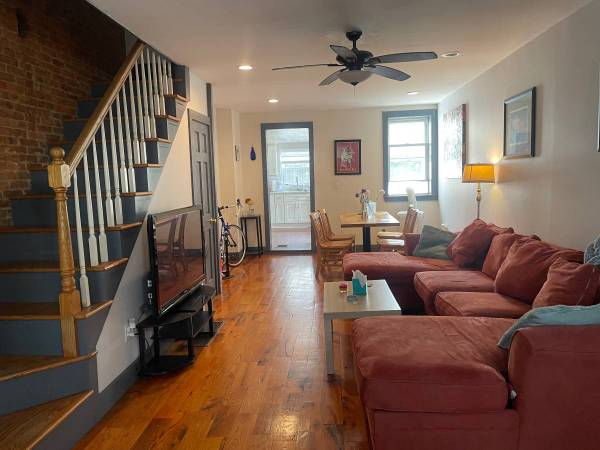
Demonstration image. See what changed and what to check, including the distinction between enhancement, twilight and staged furniture.
One upload for a mixed set of listing photos
An interior with bright windows needs a different correction from an overcast exterior. FrameLifter processes photos individually, then brings the results together in your gallery. You do not need to choose exposure or white-balance settings for each room before starting.
Review the photos before checkout
The gallery shows progress while edits finish. Open the comparisons and inspect the room details, especially fixtures, window views and surfaces. If a result needs another adjustment, use the available photo controls. The preview is your chance to judge the work on your own images.
Enhancement, cleanup and optional treatments
Lighting, color and photo cleanup are part of listing enhancement. Day-to-dusk and sky treatments are available for suitable exteriors. Virtual staging adds furniture to empty rooms and is offered separately after enhancement. These edits have different purposes; choose the treatment that fits the listing.
Work with phone files or a photographer’s originals
The uploader accepts JPG, PNG, HEIC and supported RAW files. Start with sharp originals rather than screenshots or images downloaded from a listing portal. Keep your originals so you can compare every finished result and retain an unedited record.
Use AI where it helps, and reshoot where it cannot
AI can improve presentation, but it can also produce details that need review. Retake an image if the important subject is blurred, the view is obstructed, or the composition hides the room. Check the final export against your MLS or rental platform’s current requirements.
What your listing costs
One photo is $1.99. $9.99 covers 2–5 photos, then $1.99 per additional photo, $1.99 per additional photo after the first five before optional staging. Virtual staging is $4.99 per room and is offered after enhancement.
Preview first, pay for finished downloads. See the complete pricing details.
Frequently asked questions
Does AI editing require a subscription?
No. FrameLifter offers one-time listing purchases. Compare the previews before paying for downloads.
How long does a listing take?
Processing time depends on the number of photos, input formats and retries. Your gallery shows progress. We do not guarantee that an entire listing will finish within a fixed number of seconds.
Is virtual staging the same as enhancement?
No. Enhancement improves photo presentation; staging digitally furnishes an empty space. Staging is optional, separately priced, and should be identified appropriately when published.