
Airbnb photo editing for the place guests will actually stay.
Make dim rooms easier to see and mixed lighting easier to read. Upload your existing listing photos, compare the enhanced previews, and choose whether to buy the finished downloads.
One edited photo for $1.99. Free previews. No account or card needed to start.
Inspect a living-room edit
Compare brightness, color and room details in this existing gallery example. Review your own results before publishing.
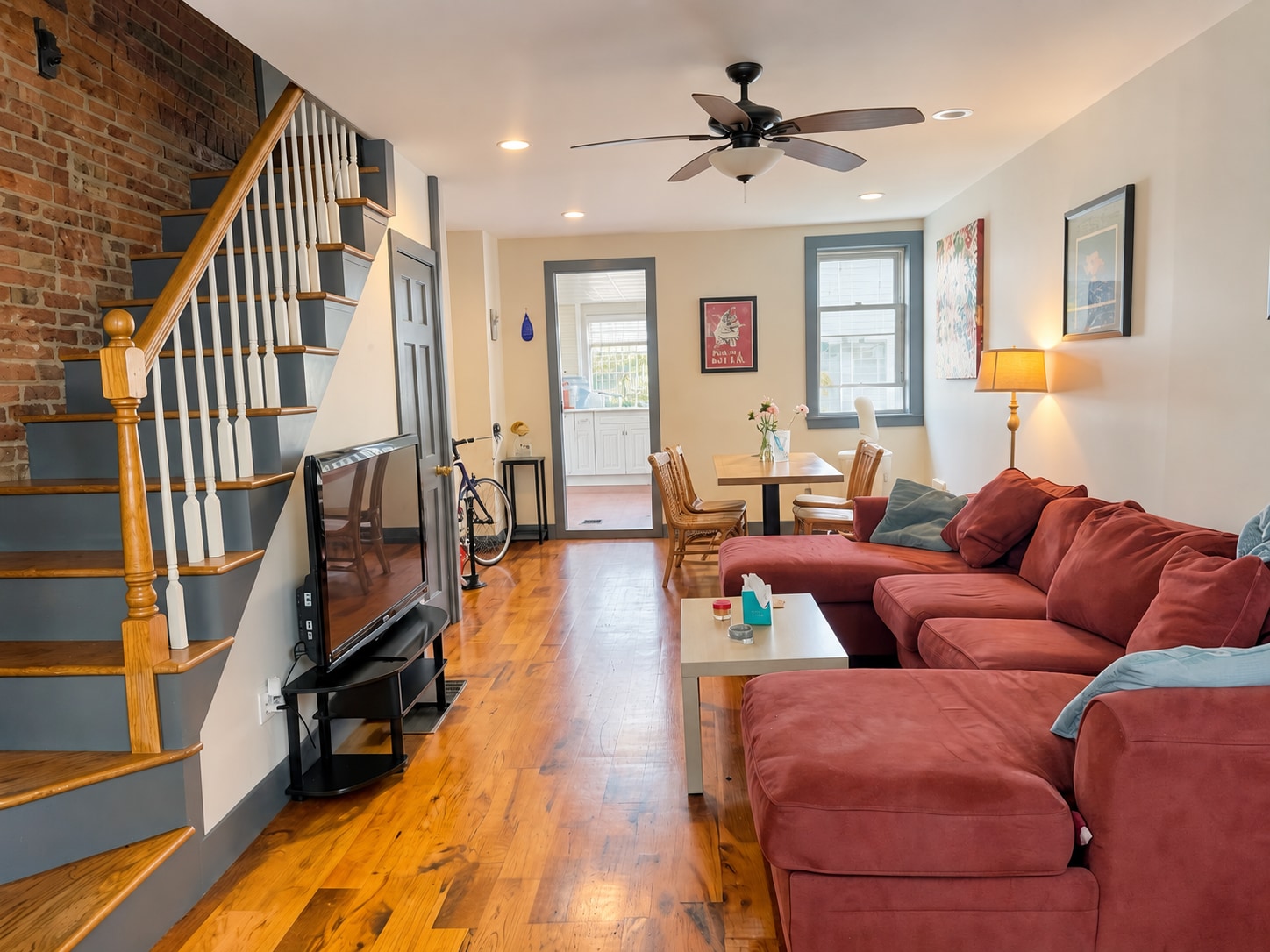
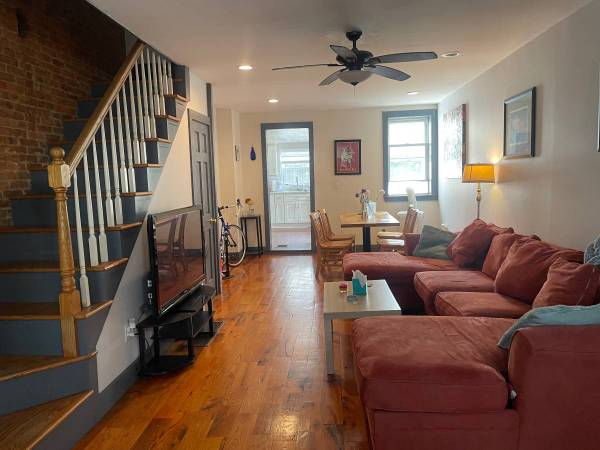
Demonstration image. See what changed and what to check, including the distinction between enhancement, twilight and staged furniture.
Start with the cover and the rooms guests need to see
Your cover photo needs to explain the property in a small thumbnail. Choose a wide view of the main room, exterior or a distinctive amenity. Then cover each bedroom, bathroom, kitchen and guest-accessible outdoor space. Avoid near-duplicates that make the gallery longer without showing anything new.
Correct the photograph and keep the stay accurate
Exposure and color edits can help when a phone makes a room too dark or a lamp turns white walls orange. Inspect furnishings, windows, materials and amenities in every result. Do not publish a staged bedroom as though the digitally added bed will be supplied to guests. An attractive image still needs to set accurate expectations.
Prepare the space before photographing it
Open curtains, tidy surfaces and stabilize your phone. A clear source photo gives the editor more useful detail. Retake images that are out of focus or leave important parts of the room out of frame. Enhancement cannot reliably reconstruct information the camera never captured.
Finish the edit before resizing for Airbnb
Keep the original file for editing. Once you have reviewed and downloaded the result, check the current platform dimensions and file-size guidance, then resize if needed. Preview the cover crop on the live listing as well as the full image.
What your listing costs
One photo is $1.99. $9.99 covers 2–5 photos, then $1.99 per additional photo, $1.99 per additional photo after the first five before optional staging. Virtual staging is $4.99 per room and is offered after enhancement.
Preview first, pay for finished downloads. See the complete pricing details.
Frequently asked questions
Can I try Airbnb photo editing before paying?
Yes. Upload photos and compare free watermarked previews. No credit card is needed to start. Payment unlocks the finished downloads.
Will editing guarantee more bookings?
No. Price, location, availability, reviews and the property itself also affect booking decisions. We help you assess the visual result before you pay, without promising a booking increase.
Should I stage a vacation rental photo?
A rental gallery should show the furnishings and amenities guests will receive. Virtual staging can illustrate a design concept, but it should not imply that an empty rental is furnished.