A full bracket set is billed as one photo · from $9.99 per listing
Shoot your brackets like you always do, 3 to 7 exposures per angle, and upload the whole set. FrameLifter auto-groups them by EXIF data, picks the best exposure, and AI relighting recovers highlight and shadow detail. One clean photo out, no tripod-merge software needed.
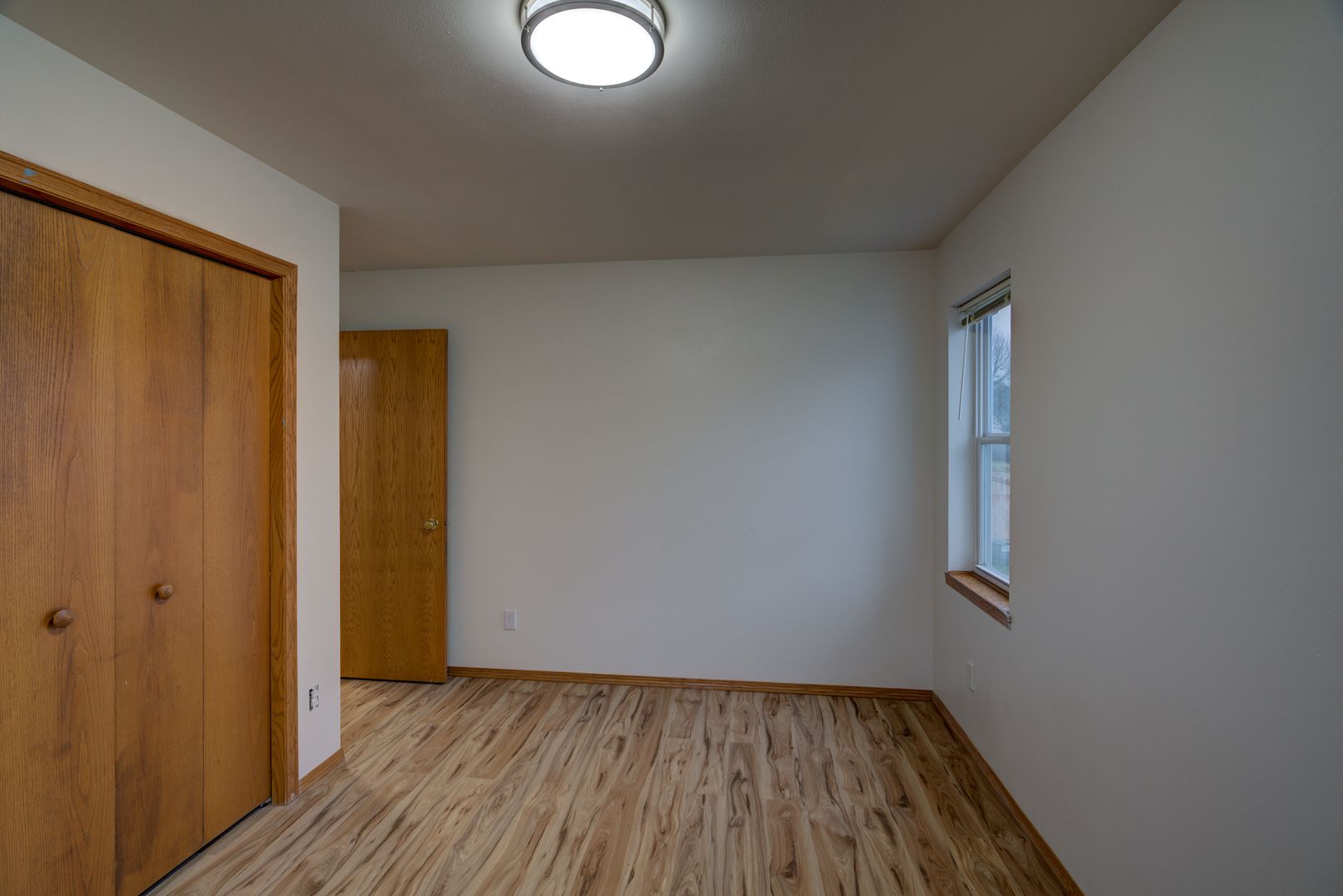
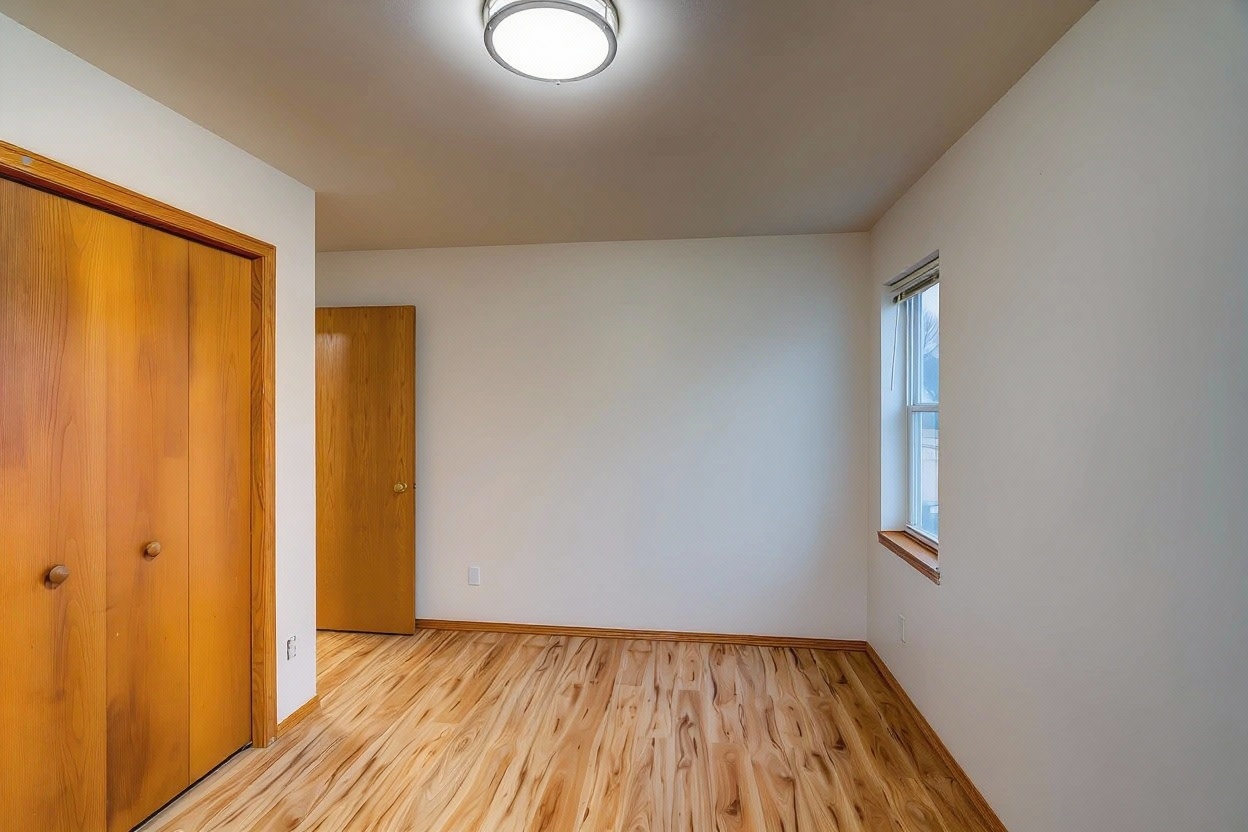
Best exposure selected, then relit
Shoot 3 to 7 exposures per angle like normal and upload the whole set, no pre-merging, no renaming needed.
FrameLifter reads EXIF data to group shots taken in sequence, then picks the strongest exposure from each set automatically.
Relighting recovers highlight and shadow detail on the selected frame, and you download one clean photo, billed as one photo.
Traditional HDR workflows mean importing your bracket set into Lightroom, Photomatix, or similar software, blending exposures by hand, and tuning tone mapping until it looks natural. Time you don't get back.
Upload the bracket set as-is. We auto-group it, select the best exposure, and let AI relighting recover highlight and shadow detail, no merge software, no manual blending, one photo out.
To be clear: this isn't pixel-level exposure fusion across every bracket frame. We pick the strongest exposure and relight it, which gets you a clean, balanced result without a separate merge step.
No. Shoot your brackets like you always do, 3 to 7 exposures per angle, and upload the whole set as-is. FrameLifter handles grouping and selection automatically, no separate HDR merge step required.
One. A full bracket set of 3-7 exposures is billed as a single photo, not per individual exposure.
It reads the EXIF data on each file, timestamp, camera, and exposure settings, and automatically groups shots taken in the same sequence into one bracket set.
That's fine too. Single exposures are enhanced the normal way, with relighting recovering as much highlight and shadow detail as the file allows. Brackets just give the AI more to work with.
No, it doesn't do pixel-level exposure fusion. FrameLifter picks the best single exposure from your bracket set, then AI relighting recovers highlight and shadow detail on that frame. The result is one clean, balanced photo per bracket without a separate exposure-blending tool.
Upload your bracket set, we group it, pick the best exposure, and relight it. One photo out, billed as one photo.
Secure upload · MLS-ready results · 60-second turnaround
