
BY FRAMELIFTER · Updated
Airbnb vs Vrbo Photos: How the Two Platforms Differ (2026)
The photography fundamentals are identical on both platforms — a clean, well-lit, well-composed shot works everywhere. What actually differs between Airbnb and Vrbo is sizing and display: how the cover photo crops in search, what aspect ratio each platform favors, and how forgiving each one is about resolution. Here's the concrete comparison.
Jump to a section
Airbnb vs Vrbo photo requirements at a glance
| Requirement | Airbnb | Vrbo |
|---|---|---|
| Resolution baseline | 1024 × 683 px in the Help Center | 1024 × 683 px minimum |
| Higher-quality guidance | 1200 × 800 px or larger in the hosting guide | 3840 × 2160 px or higher |
| Orientation | Horizontal works best | Horizontal preferred; vertical accepted |
| Formats | Use an original or a clean JPEG export; check the upload editor | JPEG, PNG, WebP, AVIF or SVG listed in current guidance |
| File size | Hosting guide mentions up to about 10 MB | The current cited guide does not publish a byte limit |
| Photo count | Cover every guest-accessible space; avoid filler | At least six unique published photos |
| Cover crop | Airbnb describes square search crops and landscape listing display | Inspect the actual thumbnail; do not assume one permanent crop |
Sources: Airbnb Help Center, Airbnb hosting guide and Vrbo photo guidelines. A recommended size is not the same as a minimum or a fixed crop requirement.
Cover photo display and thumbnail crops
Your cover needs to explain the stay at a small size. Keep the central subject readable and leave space around it. A pool clipped at the edge or a bed cut in half can make a good full-size photograph a poor thumbnail.
Airbnb explicitly describes square crops in search and landscape display on the listing page. Vrbo’s presentation can vary by placement and device, so inspect your published listing rather than relying on an assumed 16:9 rule.
Use one strong original and preview different crops. You do not need two shoots, but you may want separate exports. Our cover-photo guide explains how to choose and update the first image.
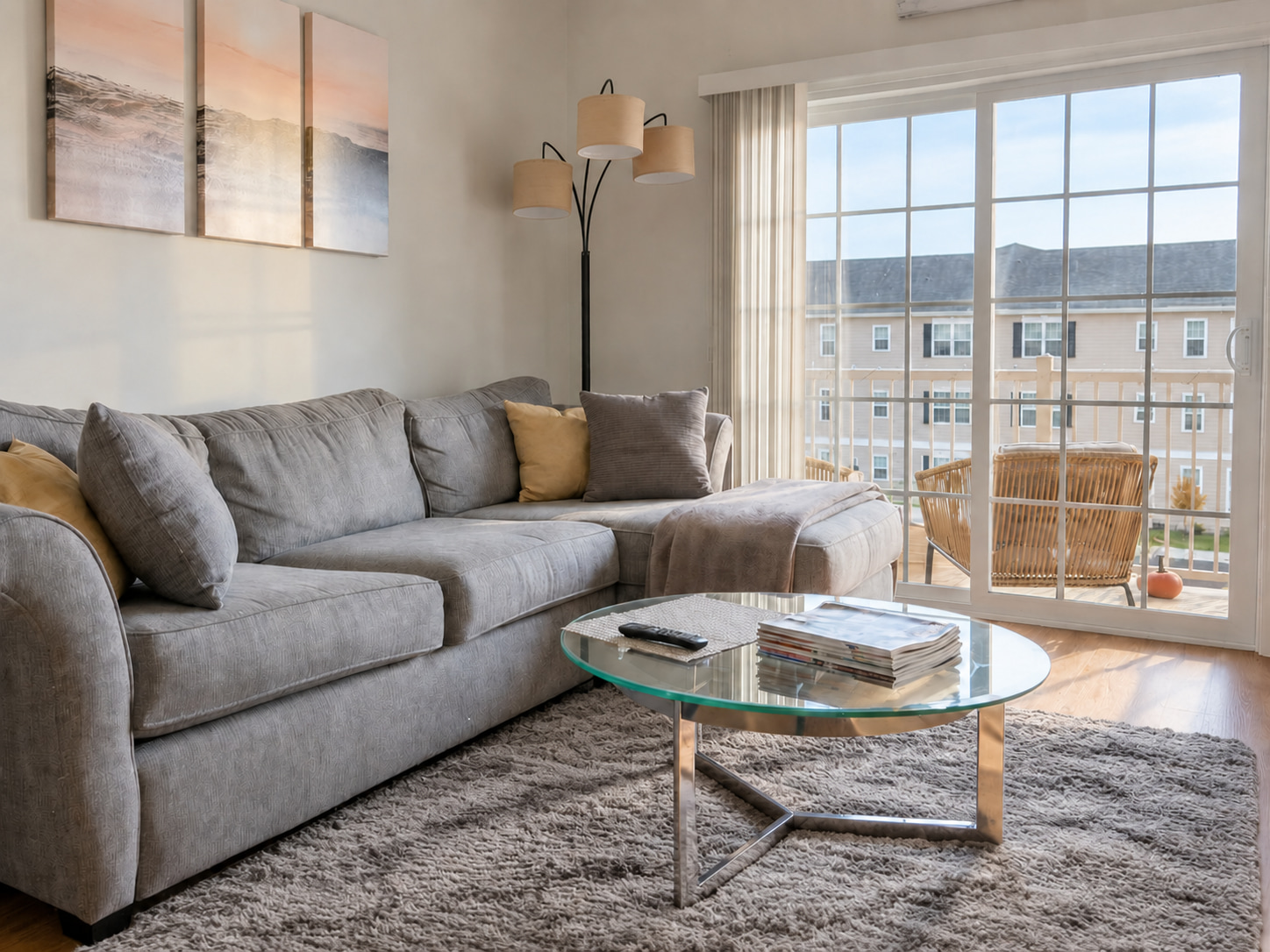
These show crop behavior, not screenshots of either platform.
Aspect ratio and minimum resolution
Keep a large horizontal original. A 3:2 or 4:3 room photo gives you options without forcing every shot into a panoramic shape. Check both pixel dimensions after cropping; making a narrow portrait into a landscape can discard too much of the room.
Our Airbnb resizer uses a 3:2 preset and our Vrbo resizer uses 16:9. Those are tool presets, not a claim that either platform requires exactly that ratio. Neither tool can recover missing focus or make a small source high resolution.
See the full Airbnb photo requirements and Vrbo photo requirements for source links and upload troubleshooting.
Photo count: complete coverage before extra angles
Vrbo requires at least six unique photos and warns that remaining below six for over 30 days may lead to suspension. Six is the floor, not a complete shot list for every property. A house with four bedrooms needs more coverage than a studio.
On either platform, show each sleeping area, bathroom, kitchen, living space, entrance and guest amenity. Add a second angle when it answers a new question. Skip duplicates and details that push useful room photos out of the opening gallery.
Captions and accurate expectations
Use captions for facts a photograph cannot reliably establish: bed size, which floor the room is on, shared access, seasonal availability or where a workspace sits. “Shared patio used by all building guests” says more than “Beautiful outdoor oasis.”
Photograph the furniture and amenities guests will actually find. Virtual staging is not an appropriate substitute for missing furnishings in a furnished vacation rental. If you use editing, compare the result with the source for changes to views, layout, condition and equipment.
What can prevent a photo from publishing?
Check the file before repeatedly uploading it. Confirm supported format, adequate dimensions and sharpness. Vrbo’s current guidance identifies duplicates, blur, collages and promotional overlays among potential rejection reasons; its dashboard marks rejected photos.
Keep logos, phone numbers and contact text out of listing photos. If you use property-management software, check its integration errors and edit the authoritative source rather than uploading competing versions to multiple dashboards.
A publishing checklist for both platforms
Before you publish
0 of 6Resize for Airbnb · Resize for Vrbo · Draft a description from your property details
Frequently asked questions
Can I use the same photos on Airbnb and Vrbo?
Yes, a well-shot set can serve both. Keep large originals, check each upload requirement and inspect the cover crop after publishing.
What is the minimum photo resolution?
Both cited guides give 1024 × 683 px as a baseline. Airbnb’s hosting guide recommends 1200 × 800 px or larger; Vrbo recommends 3840 × 2160 px or higher.
Does Vrbo accept portrait photos?
Its current photo guidelines accept vertical orientation while saying horizontal photos display best. This is different from older guidance.
Is a 20 MB file limit still listed by Vrbo?
The current photo-guidelines page checked for this article does not state a file-size limit. Follow the current uploader and your integration’s limits rather than treating an older figure as universal.
How many photos does Vrbo require?
At least six unique published photos. Include enough additional images to show the property fully.