
Service comparison · Checked October 2, 2026
FrameLifter
vs Autoenhance.ai.
Both products offer AI photo enhancement with watermarked previews. Compare the way you want to work, the formats and controls you need, and the current price for your actual photo volume.
Published by FrameLifter. Competitor details link to their official sources.
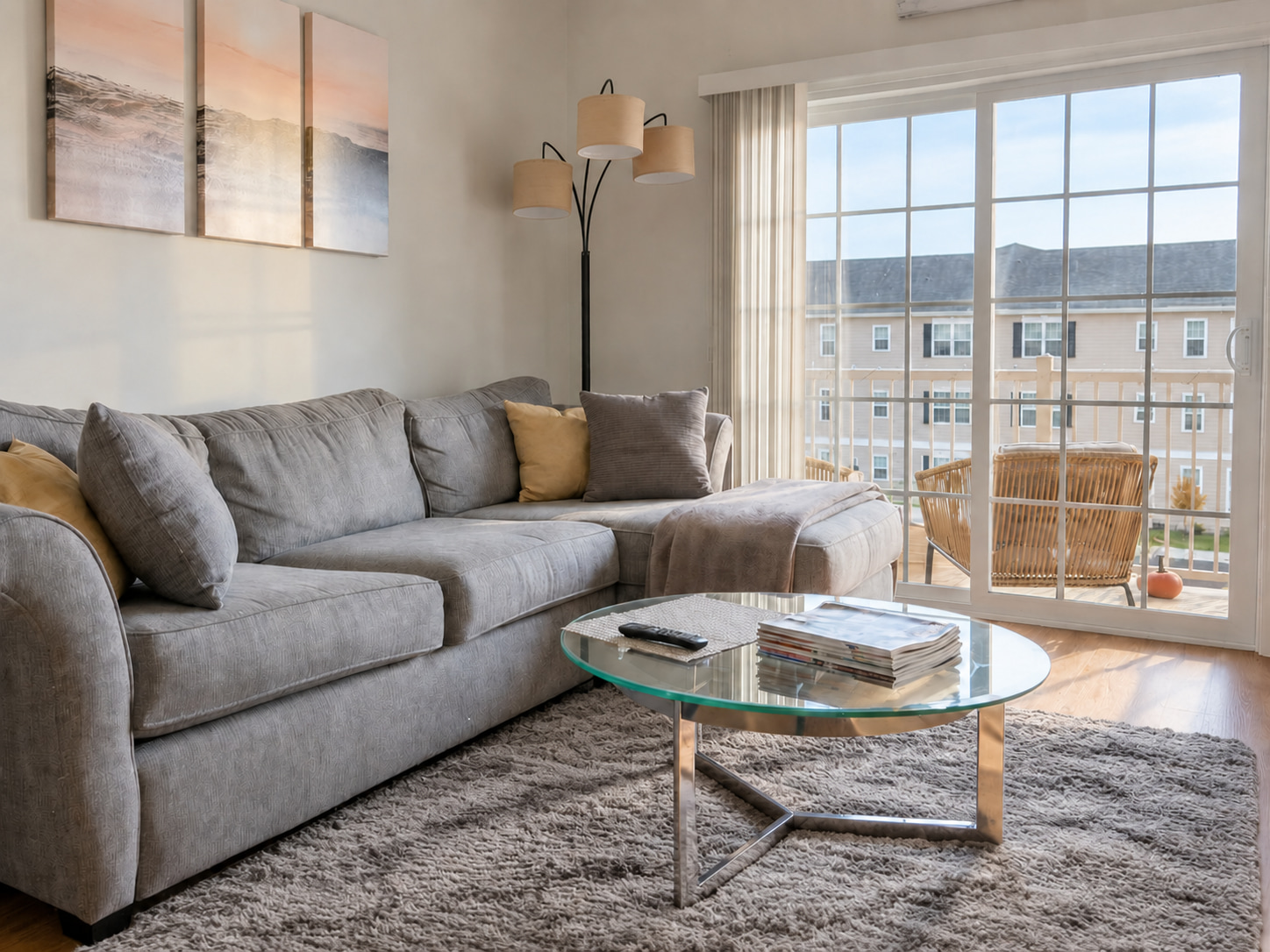
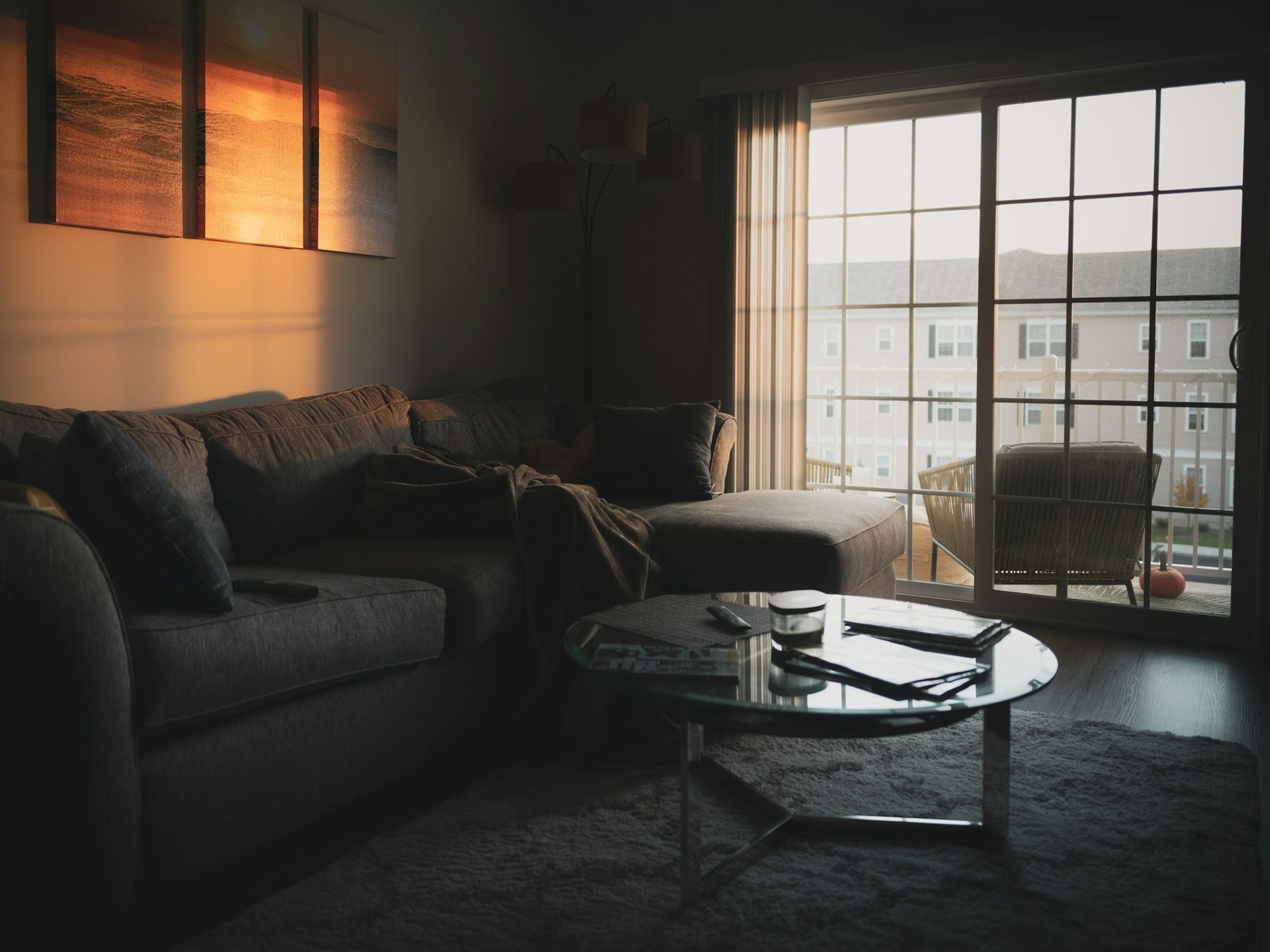
FrameLifter example · Drag to compare the lighting and cleanup. The original rug and window view remain.
Compare the same service
What does enhancement cost?
Use your photo count and the other service's current per-photo rate. The calculator shows either service as cheaper when the numbers support it.
Enter the rate for the plan and features you would actually use. Check current Autoenhance.ai pricing.
Enhancement only · USD
- FrameLifter · 20 photos
- $39.84
- Autoenhance.ai · 20 photos
- Enter a rate
Compares one standard enhancement order with a per-photo quote. Excludes staging, tax, subscriptions, prepaid credit discounts and other add-ons. Features and editing workflows differ.
You want a simple path from photo to listing.
Upload an original, compare a free watermarked enhancement and buy the result if it works for you. One finished photo is $1.99. You can add optional virtual staging from the paid gallery.
Check the preview before paying. Difficult blur, missing detail or a changed fixed feature needs closer review or a reshoot.
You need a photo-editing API or a dedicated enhancement workflow.
Autoenhance publishes an API and lists HDR merging, RAW support, perspective correction, relighting and 360° enhancement. Evaluate those capabilities against your photographer or software workflow.
Autoenhance's pricing page offers free watermarked previews with no credit card and says clean downloads can be purchased through a subscription or pay per image. A subscription is not the only option.
Check the live plan details for the features and image allowance you need. Use your own original in both preview workflows to compare color, window detail, geometry and file handling.
GIVE YOUR LISTING A BETTER FIRST LOOK
Judge a FrameLifter edit for yourself.
Upload the same original you are considering for your listing. Compare the free watermarked preview before deciding on a finished download.
Free watermarked preview · No account or credit card needed.
What we changed
- Brightened & balanced lighting
- Decluttered the coffee table
- Tidied pillows & throw
- Preserved the rug & window view
Drag to compare the edit. Explore more examples. Review your own edit before publishing.
Questions about the comparison.
Does Autoenhance require a subscription?
Its current pricing page offers pay-per-image purchasing as well as subscription options. Watermarked previews are free. Check its current plan and feature details; this guide does not assume an old monthly plan is your only choice.
Which one produces better photos?
The result depends on the original photo and the edit you need. Try the same original in both services and inspect the full image: color, windows, straight lines and preservation of the property. The example on this page is from FrameLifter.
Is virtual staging included in FrameLifter enhancement?
Virtual staging is optional and purchased separately after enhancement. A single staging edit is $4.99; multi-photo staging bundles are available. Use the staging calculator to include both costs.