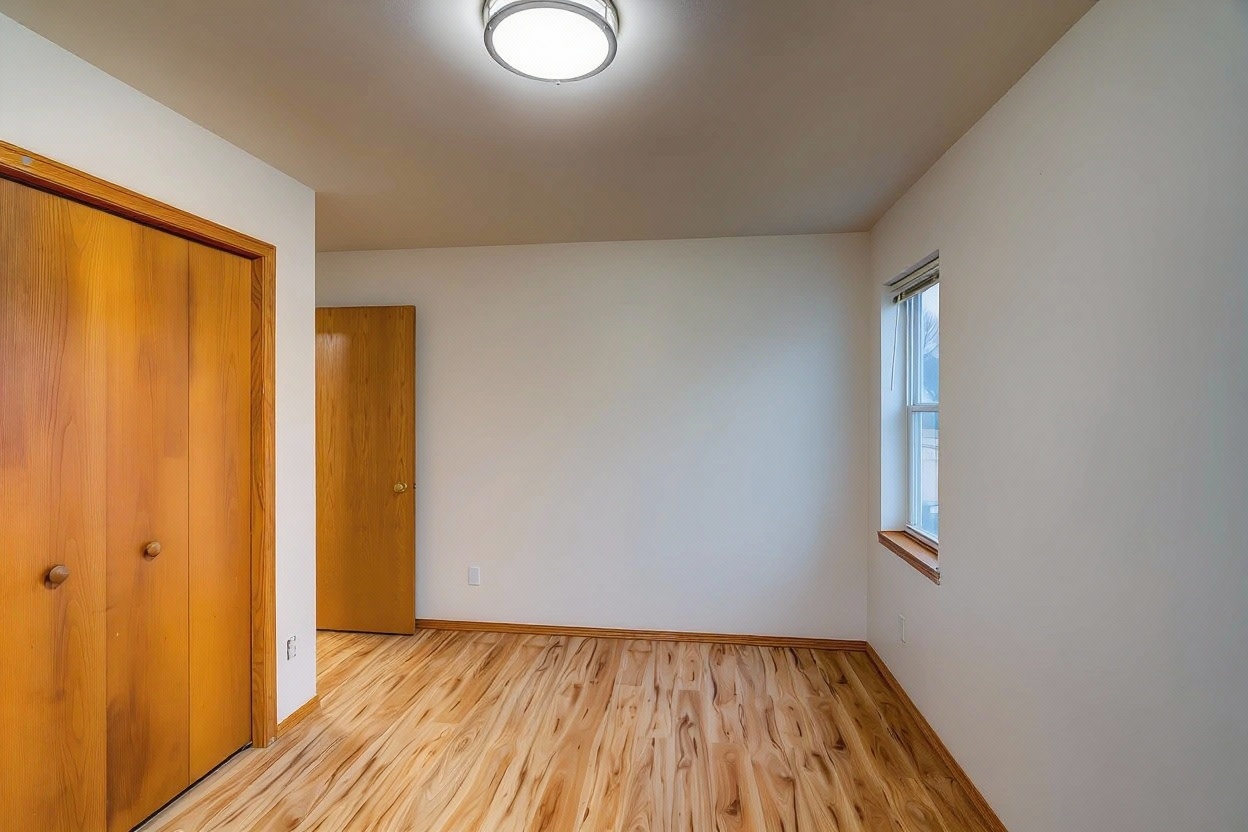
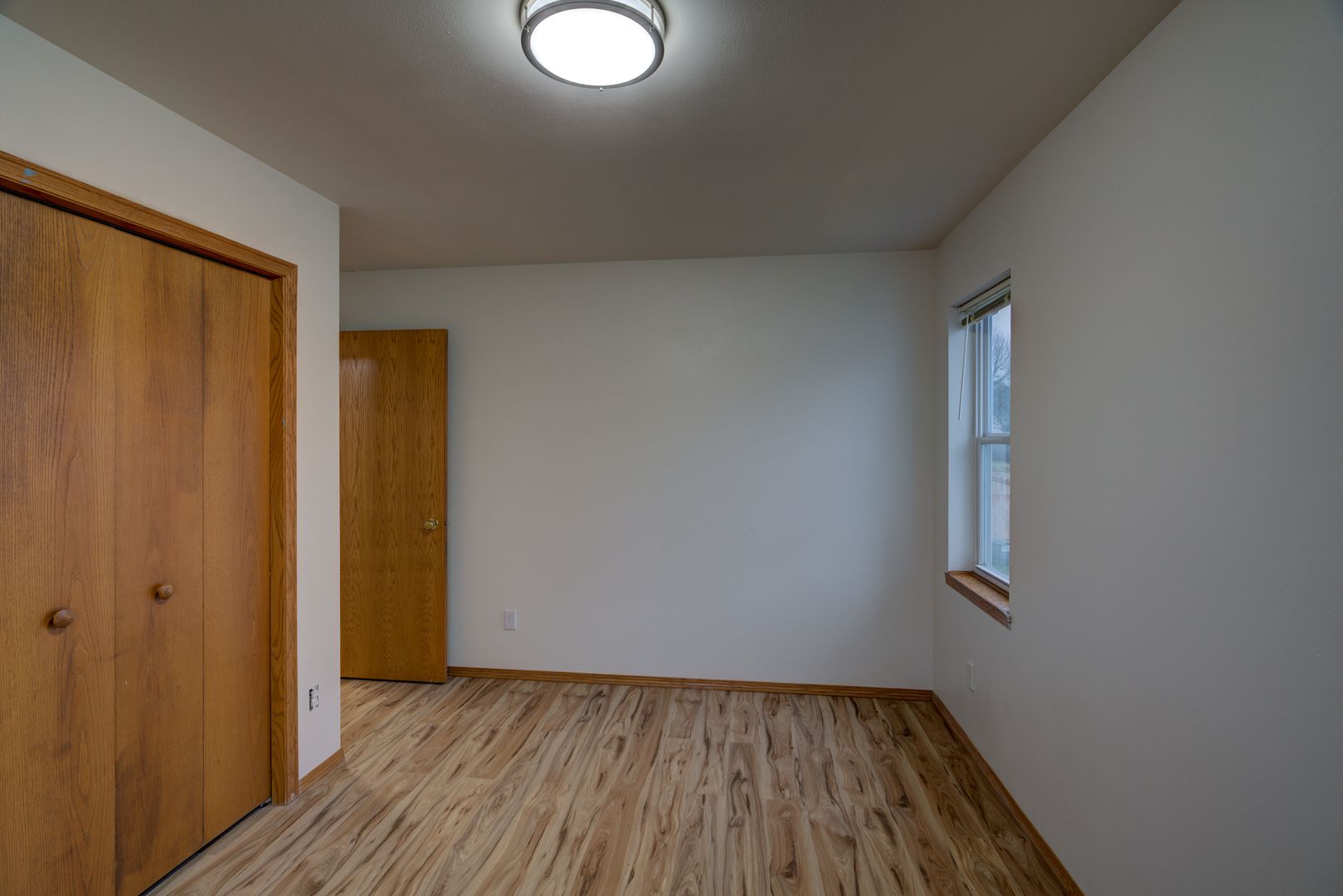
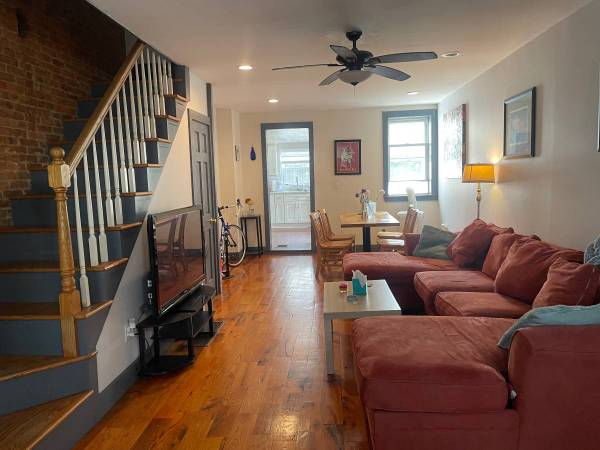
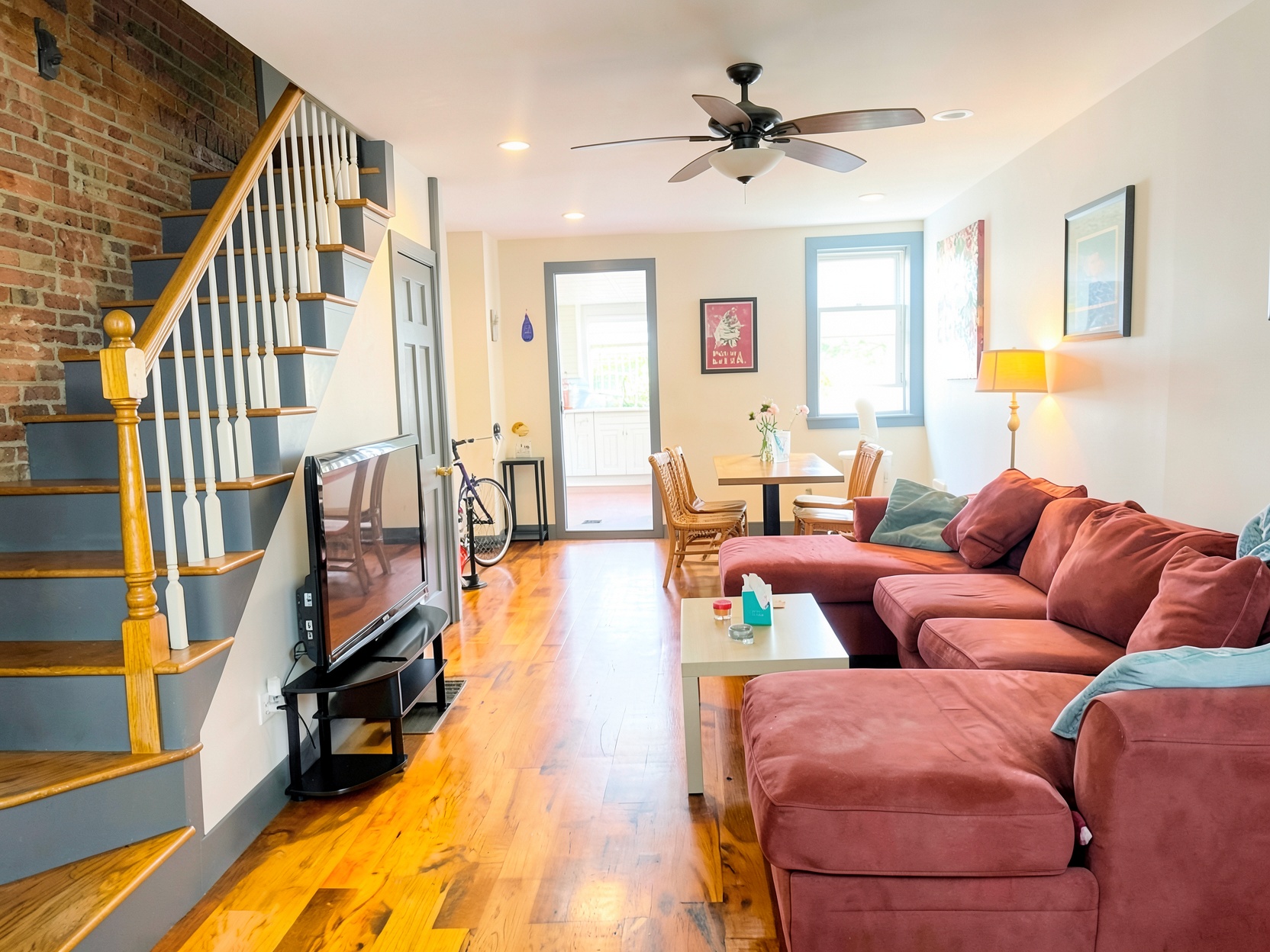
Booking.com guests are comparing room types side by side, often across a language barrier and a property they've never seen in person — the photo has to do all the convincing. We correct exposure and color on every room photo so what guests see matches what they book, no photographer required.
Actual Booking.com listing transformation
A standard room shouldn't look like the suite. We edit each room type's photos on its own so guests see, and book, the room they're actually paying for.
International guests often can't read your description closely. A clean, accurately lit photo communicates room quality faster than translated text ever will.
Hotel and B&B rooms are often shot under mixed lighting — yellow bulbs plus daylight through the window. We correct the color cast so rooms read true, not orange or gray.
Host Perspective
"Half our guests book from another country and never see the room until check-in. Once the photos actually matched the room quality instead of looking dim and yellow, complaints about 'not what the photos showed' basically stopped."
B&B Owner
Booking.com Property, Lisbon
Standard rooms, suites, common areas, the exterior — upload each room type separately so every category gets its own accurate photo set.
Mixed overhead lighting and window glare are the two most common problems in hotel and B&B photos. Both get corrected automatically, room by room.
Download the corrected set and assign photos to the right room type in your Booking.com property page — no mismatched images between categories.
per listing, $1.99 per additional photo after the first five
One filled room for one extra night typically covers a year of editing your whole property.
From $9.99 per listing, $1.99 per additional photo after the first five — the same rate whether it's a hotel room, a B&B common area, or a guesthouse exterior. Credit packs bring the per-photo rate down further for properties editing their whole room inventory.
Yes. Upload photos from every room type you offer — standard, deluxe, suite, whatever your property lists — and each gets corrected individually. Guests booking a specific room type expect the photo to represent that room, not a stand-in from a different category, so keeping each type distinct and accurately lit matters.
No. We correct exposure, white balance, and color cast — the room, furniture, and layout stay exactly as photographed. The goal is a photo that matches what a guest sees at check-in, just without the yellow overhead-light cast or blown-out window that a phone camera struggles with.
Yes. The lighting problems are the same whether it's a hotel room, a B&B common area, or a guesthouse exterior — mixed indoor light, glare through windows, and inconsistent color between rooms shot at different times of day. The correction applies the same way regardless of property type.
Join 1,200+ Booking.com hosts using professional photo editing to correct lighting across their entire room inventory.
Secure upload · No storage · 60-second results