Included in every enhancement · Professional listing photos from $9.99
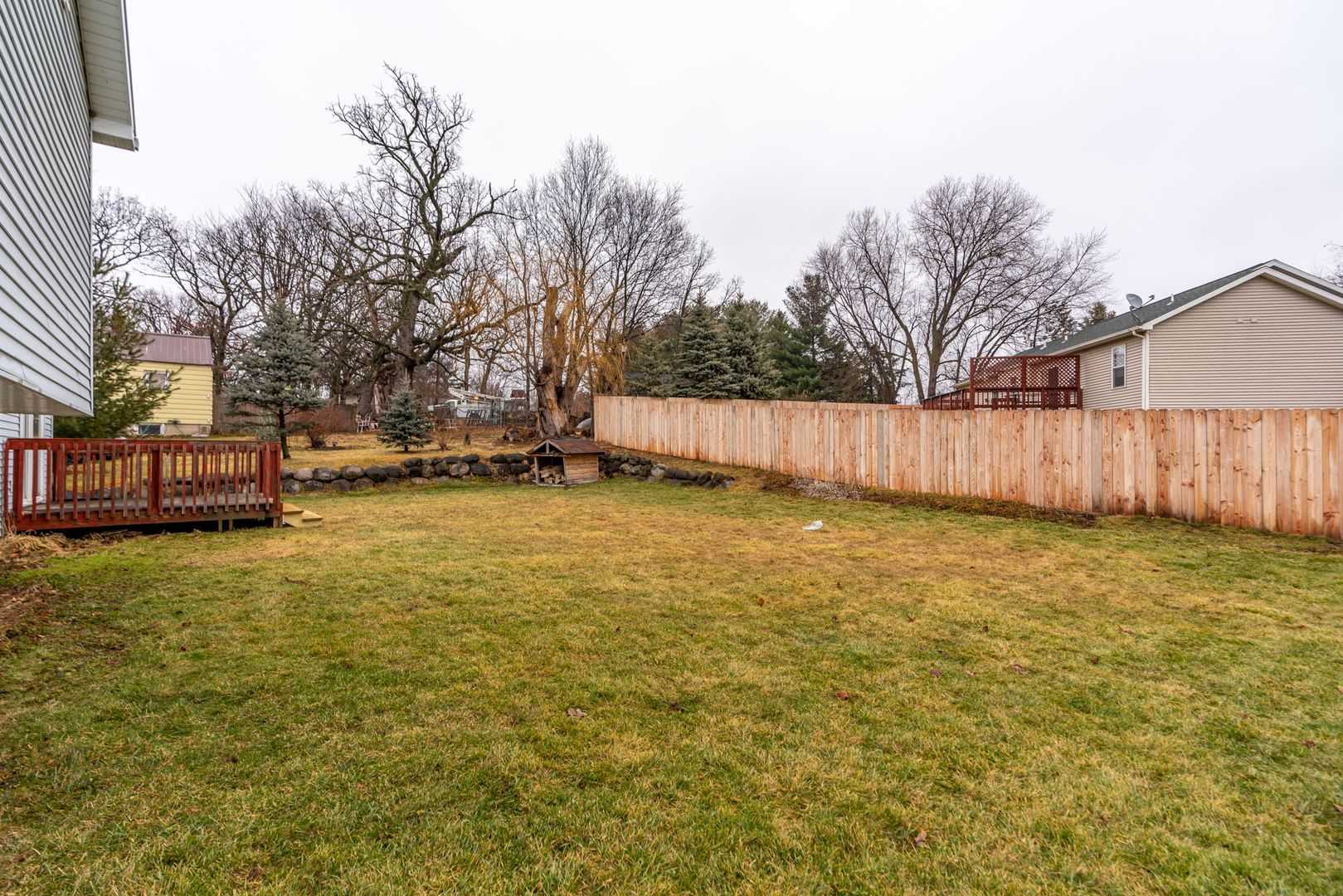
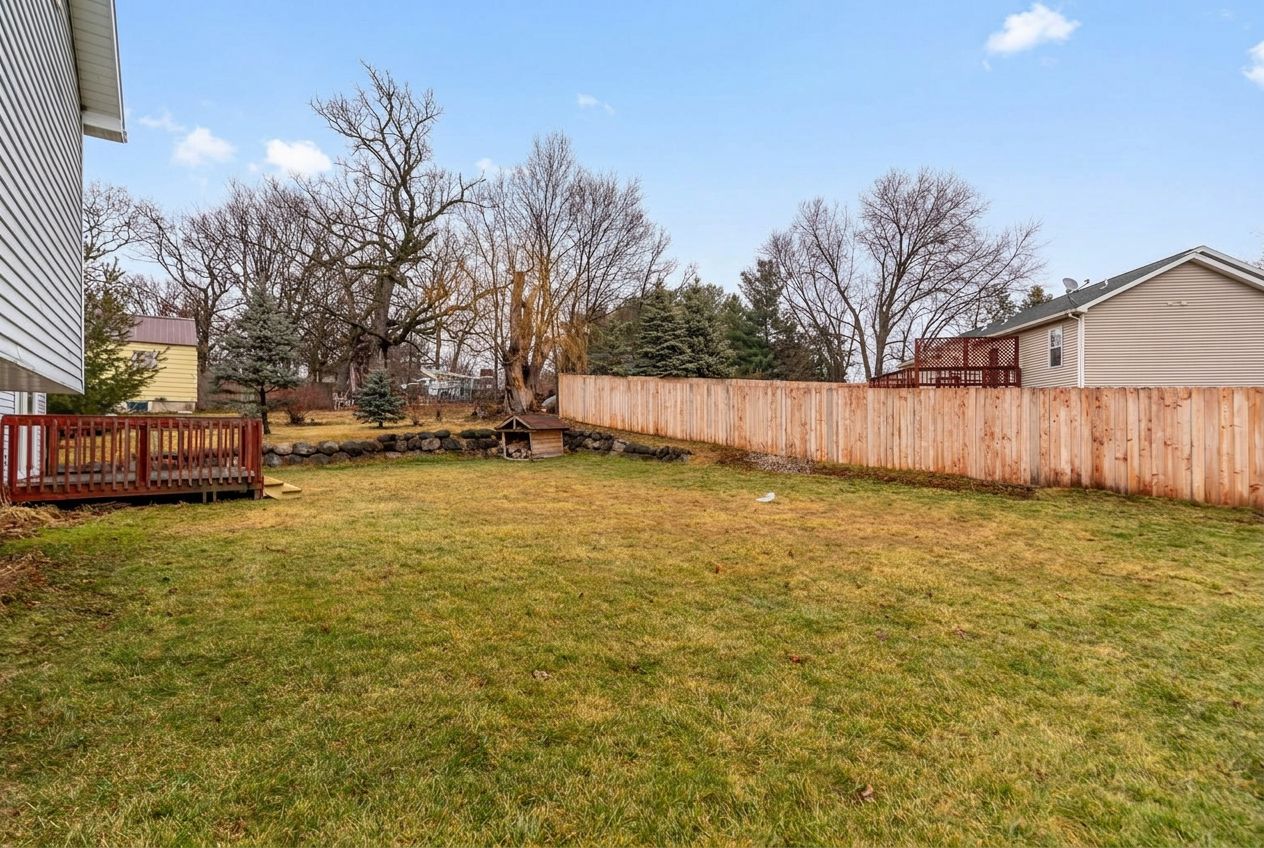
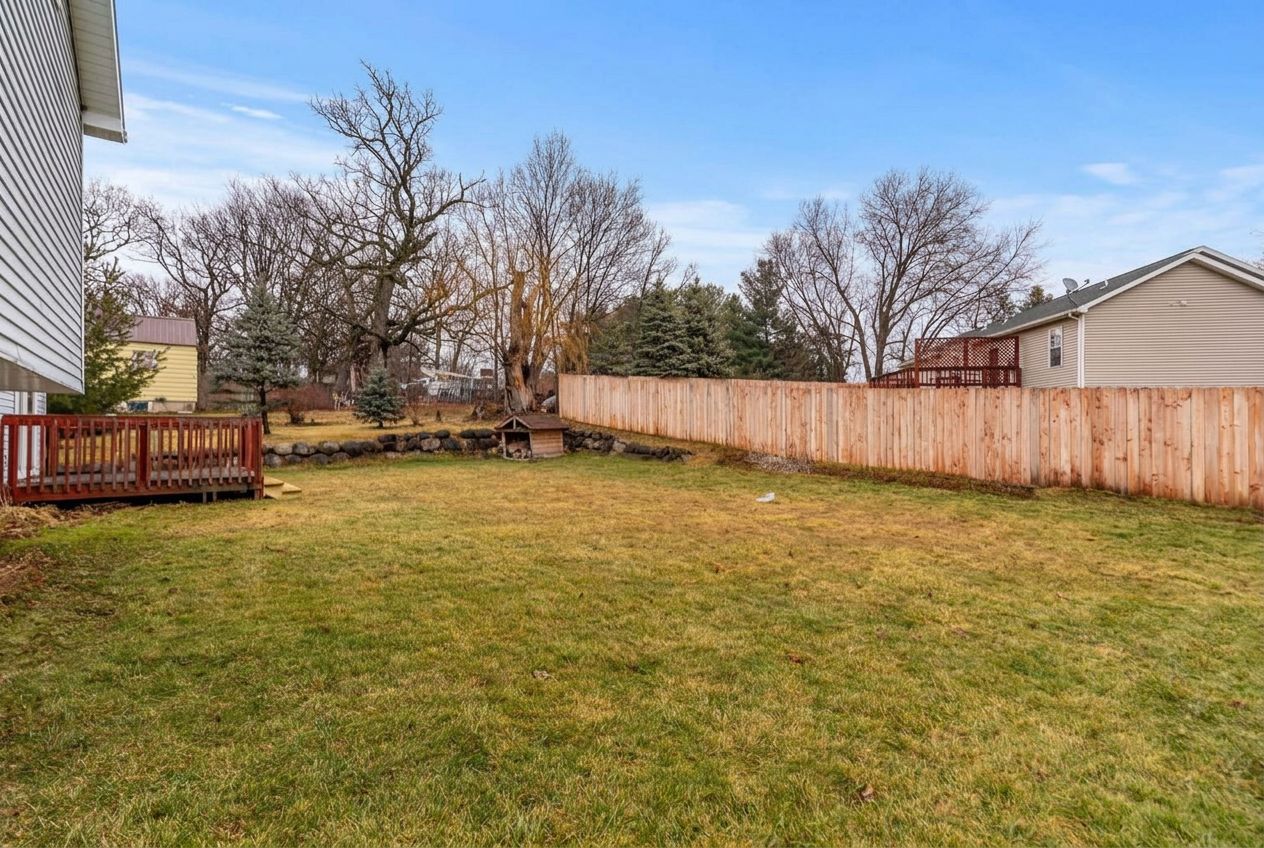
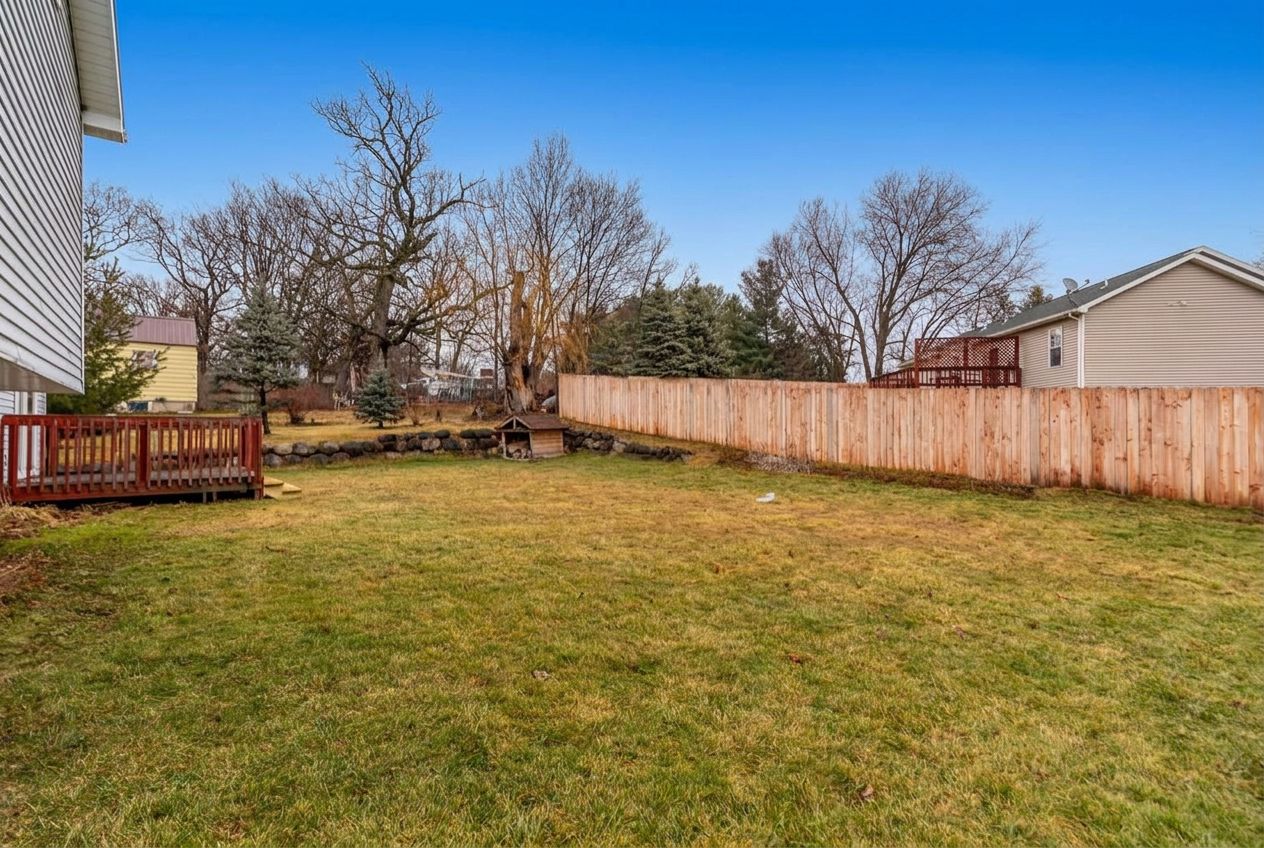
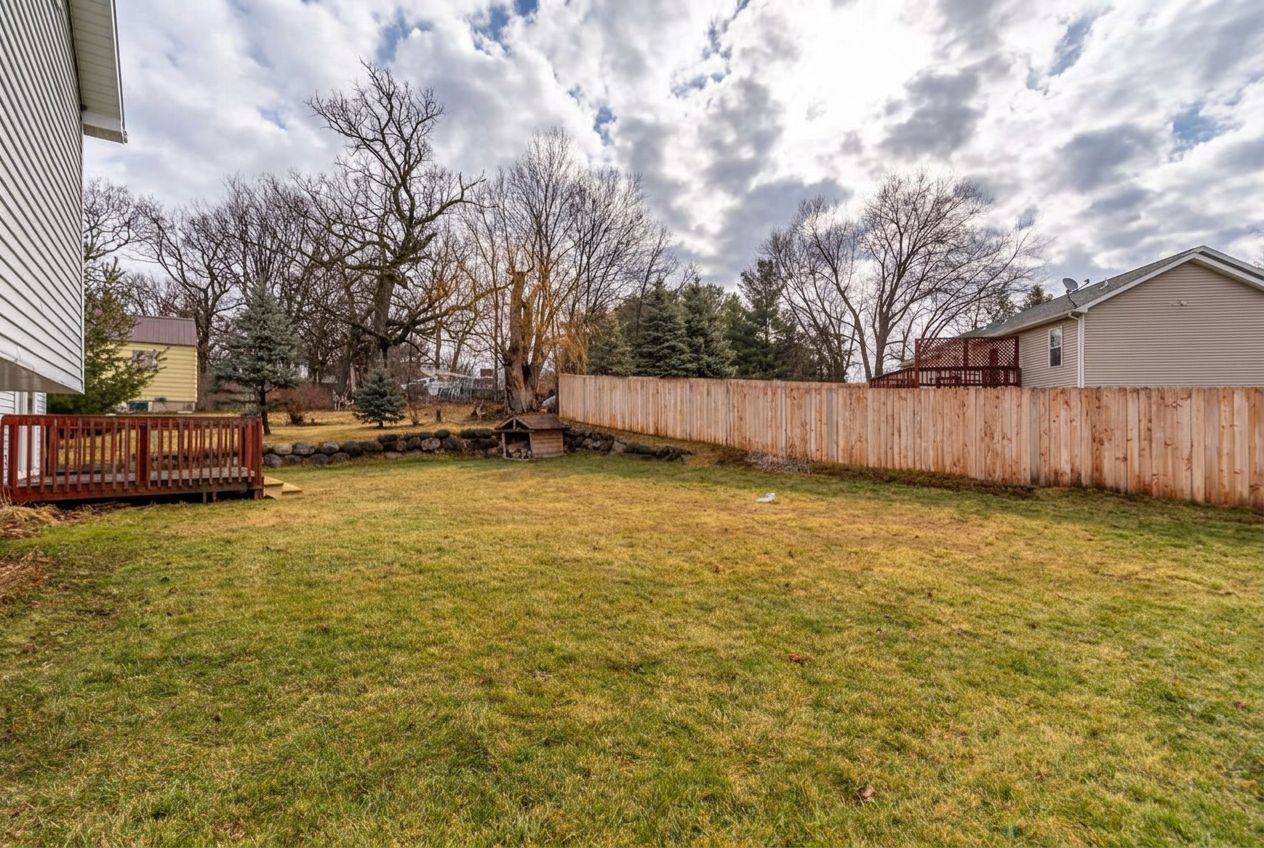
Gray, overcast skies make listing photos look dull. Our AI sky replacement turns them blue — no editing skills, no software required. Just toggle it on for the photos that need it.
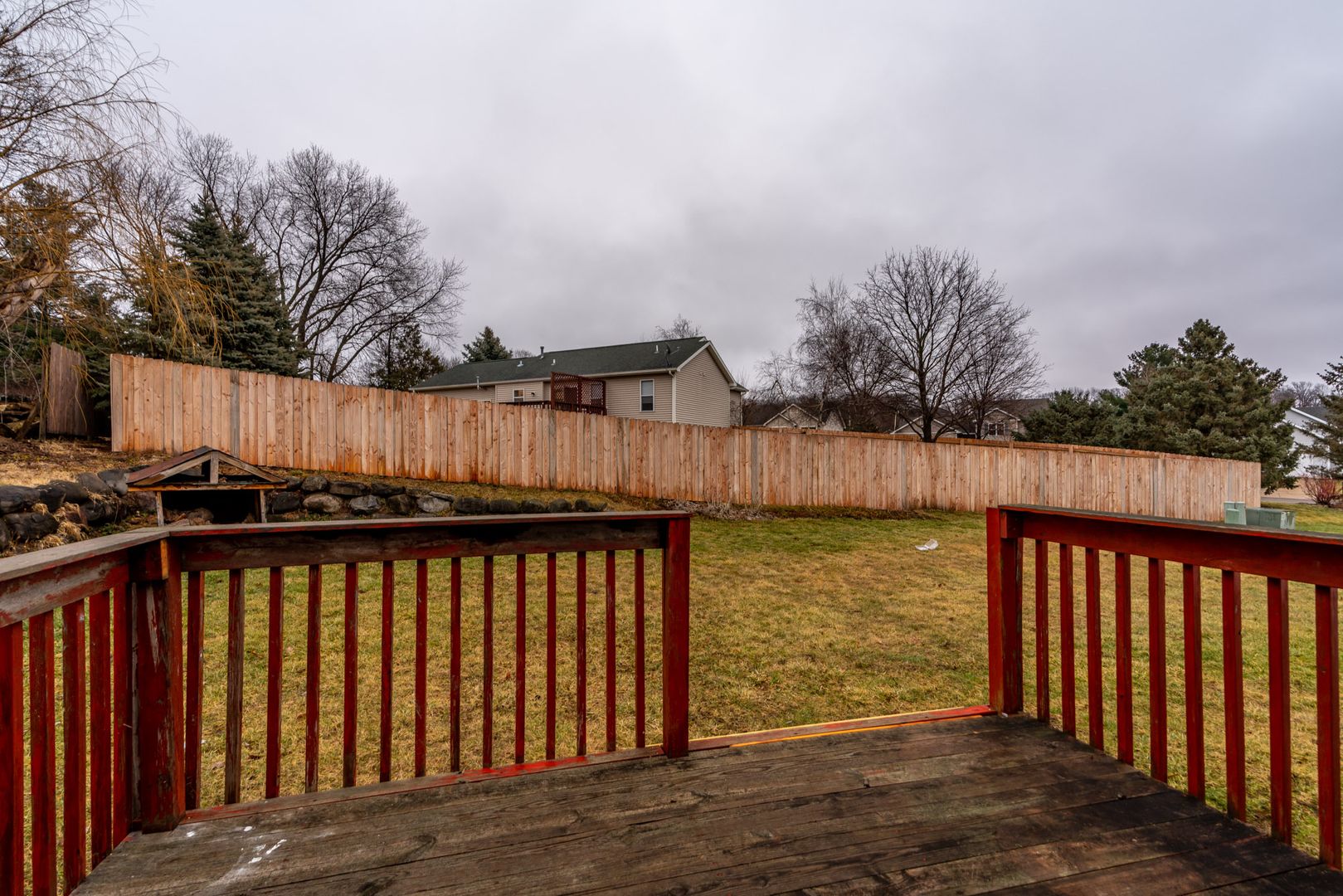
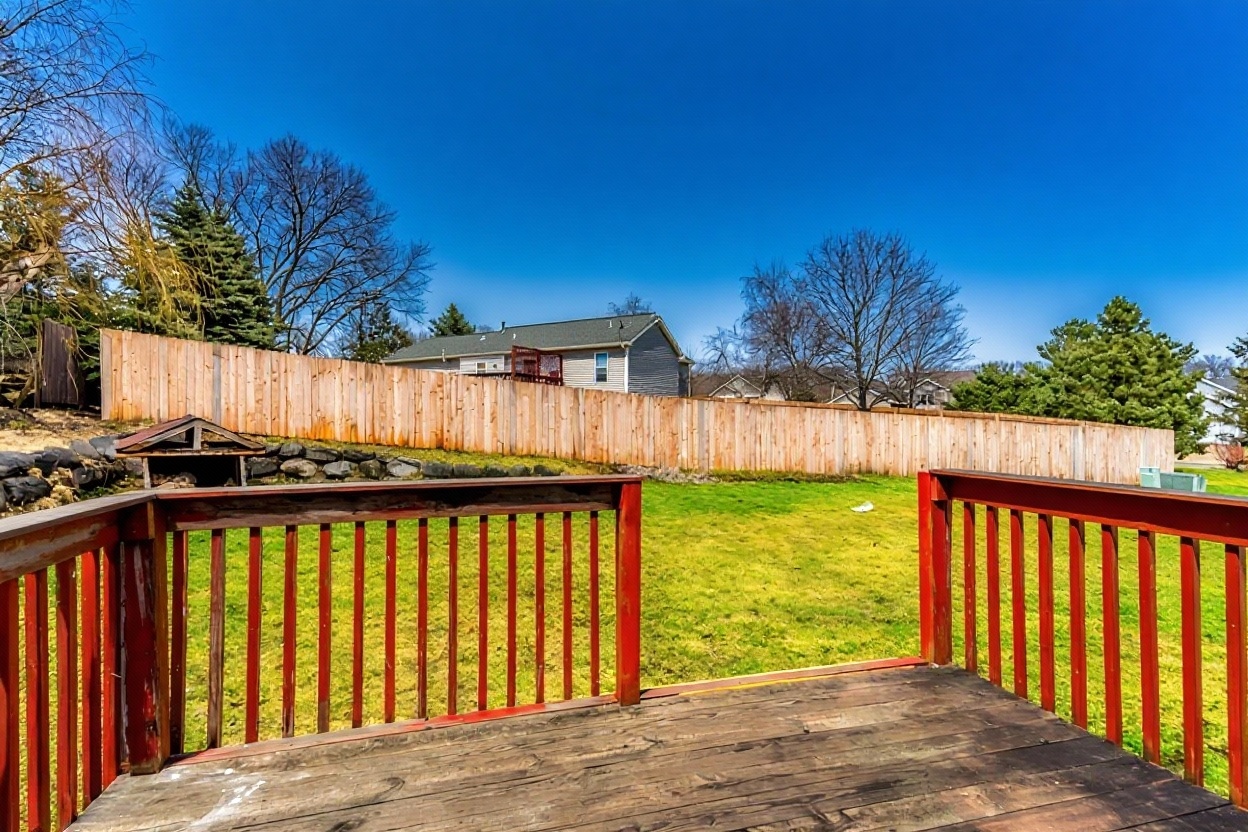
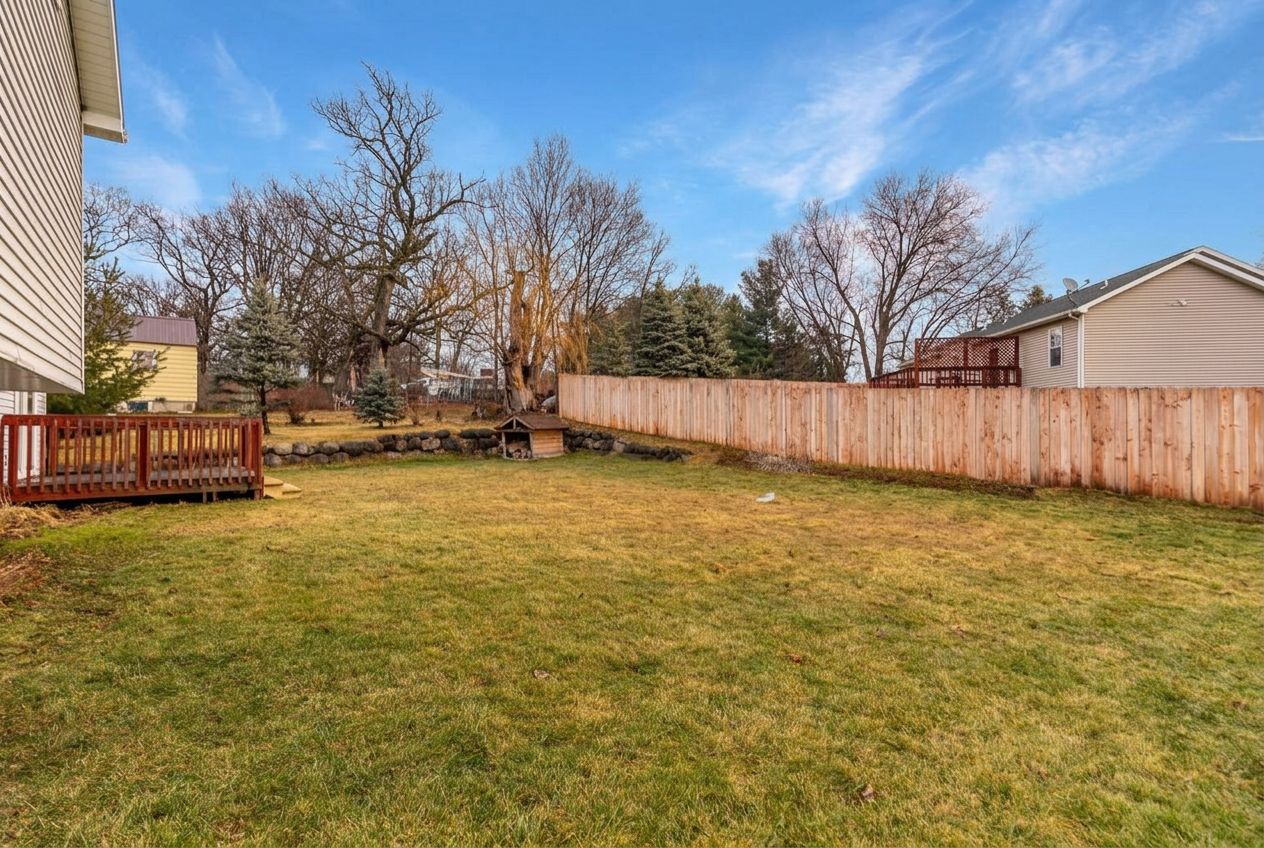
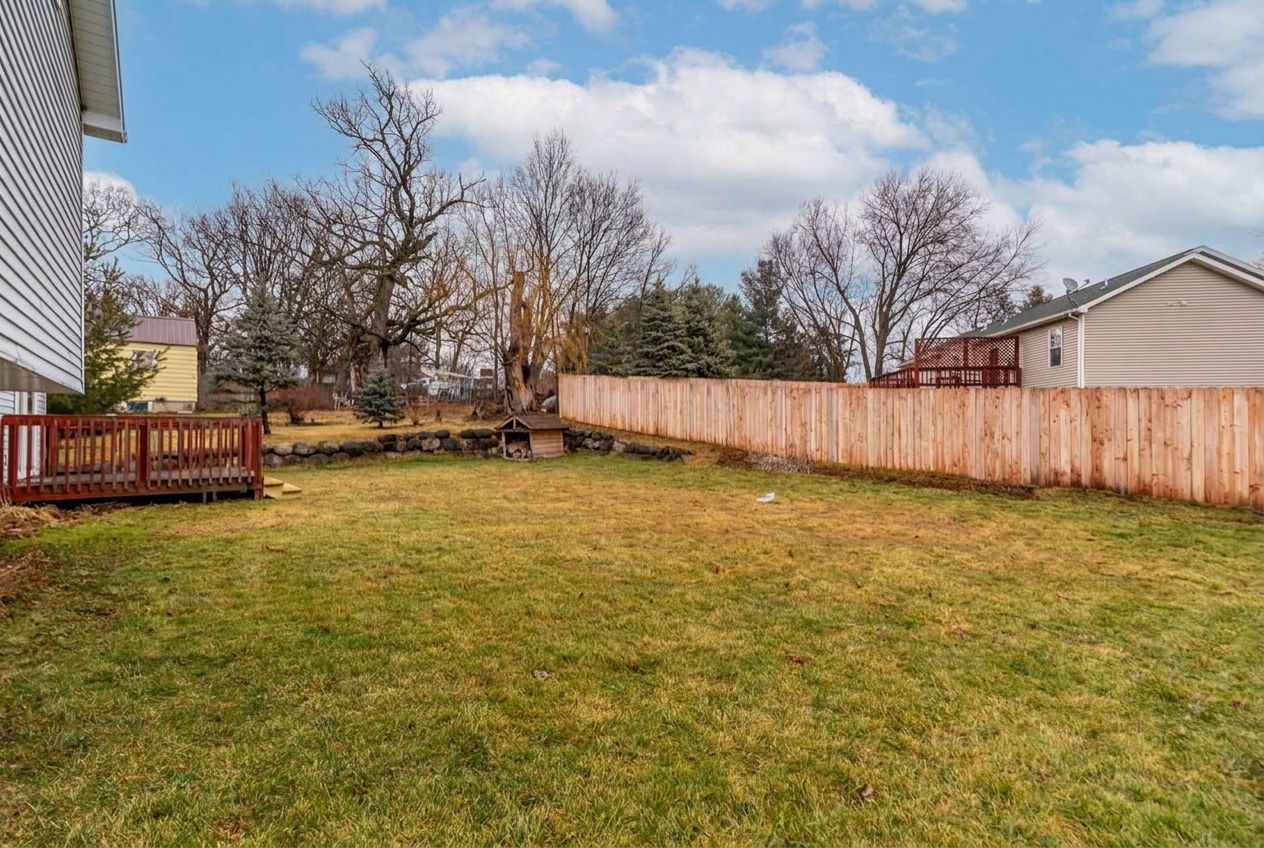
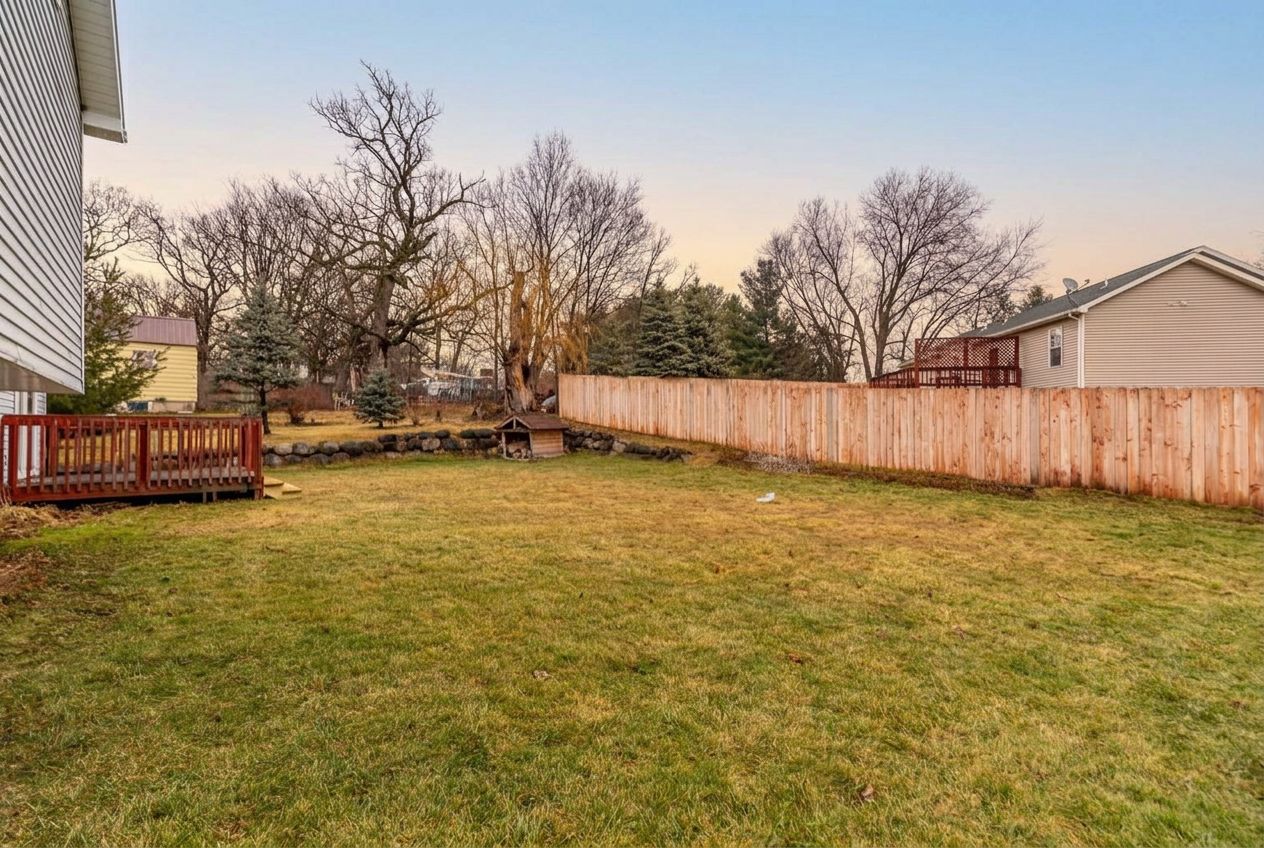
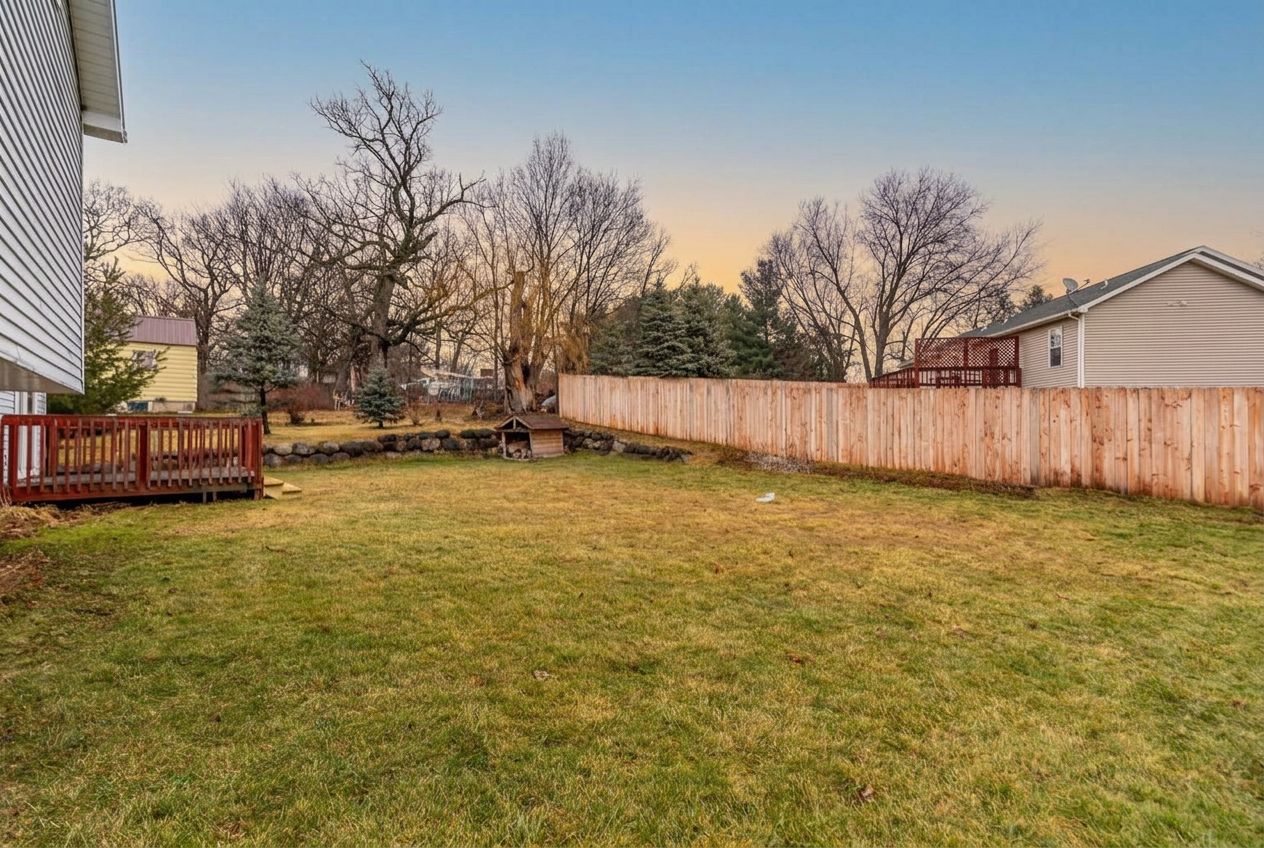
Actual sky replacement result — real listing photo
Upload the exterior and curb-appeal photos you already have. Any camera or smartphone works. Base enhancement runs first, automatically.
Once your photos have processed, toggle sky replacement on for the ones that need it. It's included in your per-photo price, no extra charge. Everything else in the photo stays unchanged.
Download your enhanced photos at full resolution and add them straight to your listing.
The exterior or curb-appeal shot is often the listing thumbnail buyers see first when scrolling search results. It sets the tone before they click in.
A flat, overcast sky can make a listing look old, stale, or unloved, even when the property itself is in great condition.
A bright, clear sky makes a home look well-lit and well-maintained, giving buyers a better first impression before they read a single detail.
Sky replacement in Photoshop can look great if you know your way around masking and selection tools. Realistically, it takes 10-30+ minutes per photo to get a clean result, time most agents don't have for every listing.
FrameLifter replaces the sky in seconds, included in your per-photo price. No masking, no software, no editing skill needed, just toggle it on and download.
Sky replacement is included in your per-photo price, toggle it on for the photos that need it.
AI sky replacement is the automatic correction of a gray, overcast, or hazy sky into a natural blue sky in a photo. Our AI detects the sky in your exterior listing photos and replaces it, while adjusting lighting and color so the result looks natural.
Yes. Upload your exterior photo to FrameLifter and toggle on sky replacement, included in your per-photo price. No masking, selection tools, or editing software required.
It runs in the same pass. Relighting, color correction, perspective correction, and window pulls happen automatically on every photo, and sky replacement is included in the same per-photo price, you just toggle it on for the photos that need it.
Yes. Gray, overcast, and hazy skies are exactly what sky replacement is built to fix. Upload the photo as-is and our AI handles the correction automatically.
Sky replacement aims to change the sky and balance the surrounding light. Review rooflines, trees, windows, and other property details against the original before publishing; AI edits can make unintended changes.
Turn dull, overcast skies into bright blue skies, included in your listing price. Toggle it on for the photos that need it, once your listing photos have processed.
Preview your edits · Compare with the original · Check your listing platform’s rules
Existing demo images show the different looks. Compare your own result before publishing.
CLEAR BLUE
CLOUDLESS
WISPY
PARTLY CLOUDY
SUNSET
GOLDEN HOUR
DRAMATIC