Relighting is built into every photo you enhance
Image relighting rebuilds natural, even lighting in dark or unevenly lit interior photos, without blowing out windows and lamps to solid white. Upload a photo and our AI relights it automatically in one pass.
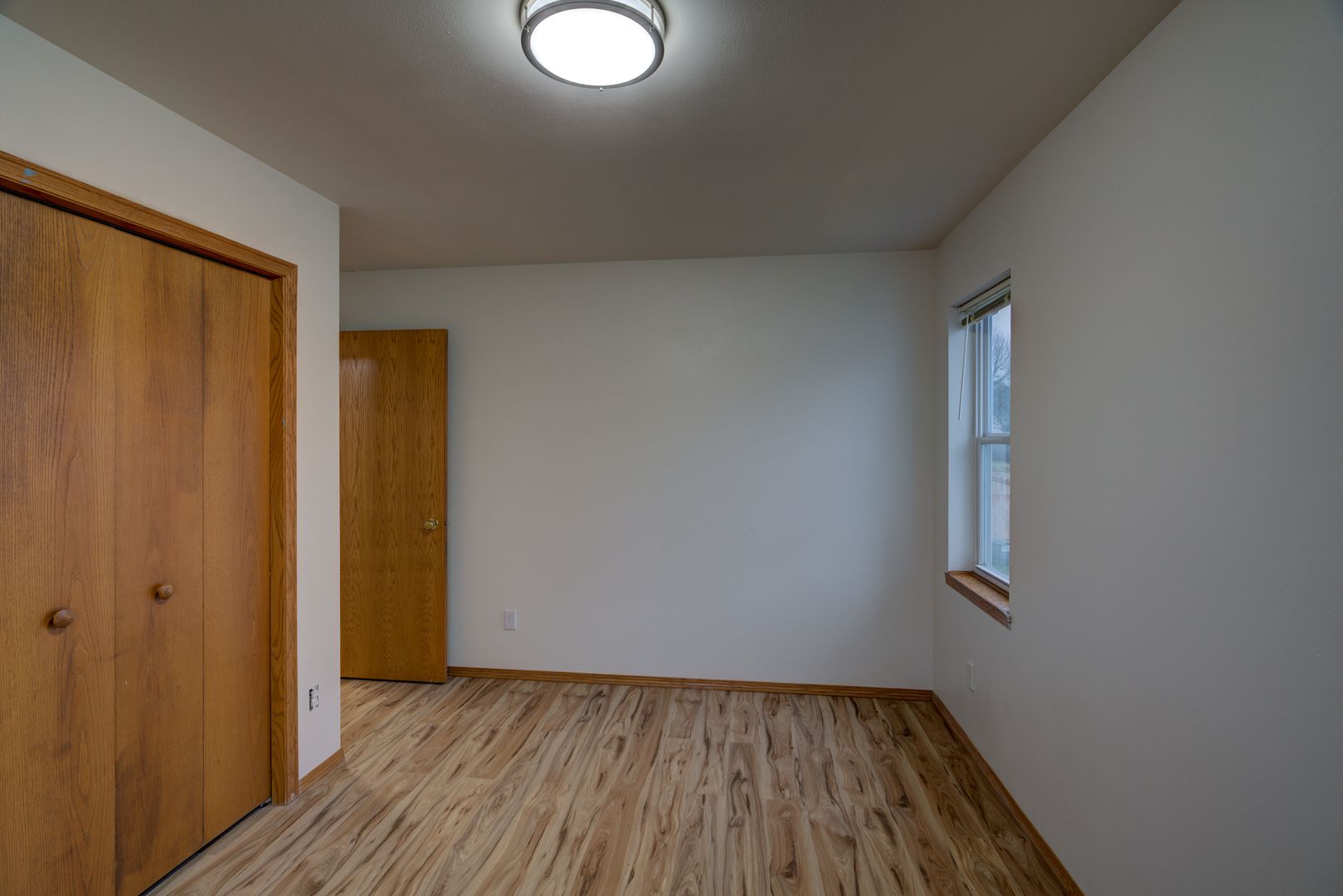
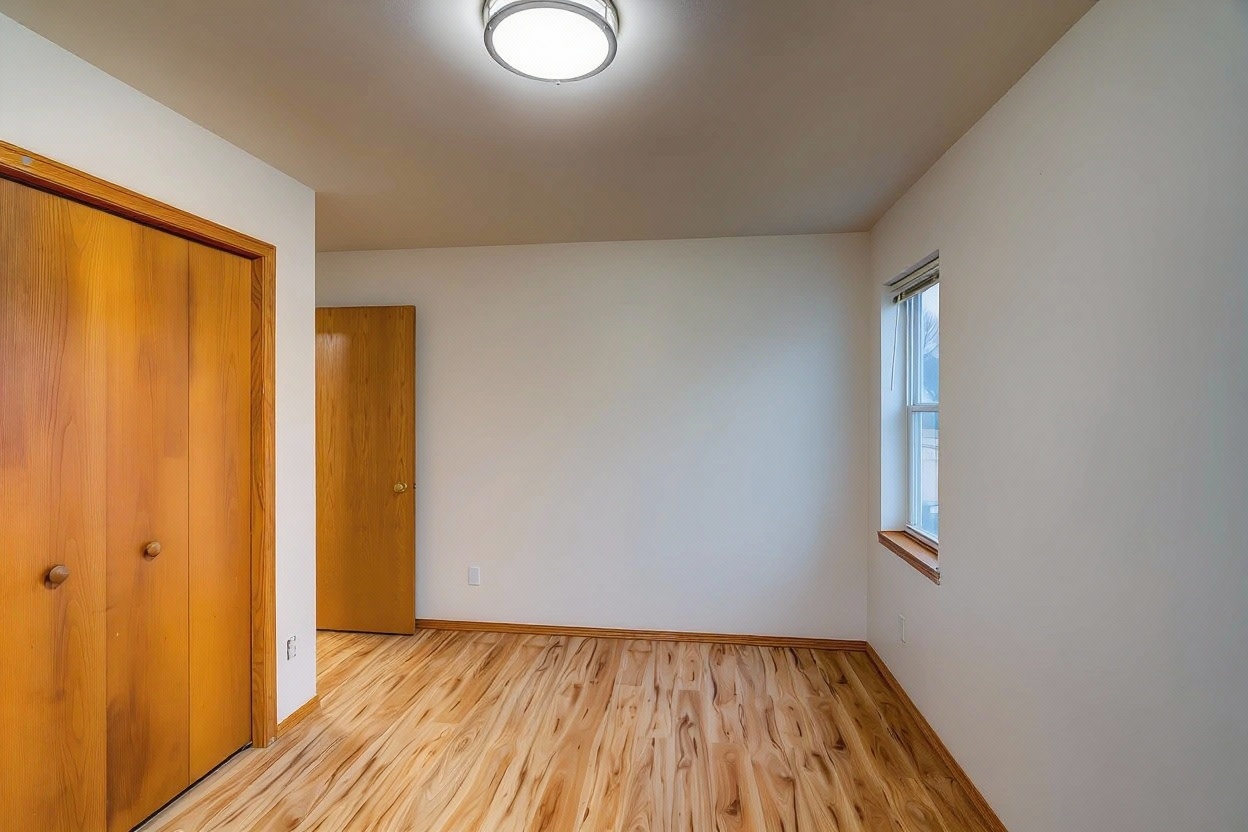
Actual relighting result — toggle Before and After
Think of it like this: the AI looks at your dark photo and imagines how the room would look if it had good lighting. Then it repaints the lighting to match that, brightening the shadows and balancing the mix of window light, lamp light, and overhead light already in the room.
It's not the same as just turning up the exposure slider. The AI is rebuilding the lighting itself, not stretching the brightness of pixels that are already there.
Cranking exposure up uniformly still leaves shadows looking flat and gray. Relighting selectively lifts dark areas so corners and furniture keep their detail and texture.
Most rooms have window light, lamp light, and overhead light all at once. Relighting balances them against each other instead of treating the whole photo as one flat exposure value.
Simple brightness edits blow windows and light fixtures out to solid white. Relighting protects those highlights so they keep detail instead of clipping.
Upload a dark or unevenly lit interior photo from any camera or smartphone. No reshoot required.
Our AI rebuilds natural, even lighting in a single pass, brightening shadows and protecting highlights along the way.
Download your relit photo at full resolution and add it straight to your listing.
Turn dark phone photos of interiors into bright, MLS-ready shots without a professional reshoot or lighting equipment.
Guests judge a listing by its photos in seconds. Relighting fixes dim rooms so your space looks as good in photos as it does in person.
Property managers uploading dozens of unit photos can relight them all automatically instead of editing each one by hand.
AI image relighting is an automatic process where the AI figures out how a room should look under good lighting and repaints the lighting accordingly, brightening shadows and balancing mixed light sources in a single pass.
Yes. Relighting is built specifically for dark, flat, or unevenly lit interior photos. The AI analyzes the shadows and available light sources and rebuilds natural, even lighting across the room.
Brightening or exposure correction pushes every pixel up by the same amount, which blows out windows and lamps while shadows often still look flat. Relighting selectively recovers shadow detail and balances light sources so nothing gets uniformly cranked.
Relighting is part of the core AI enhancement used across FrameLifter, not a separate add-on. It runs automatically whenever you upload a photo.
No. Highlights are protected during relighting, so windows and light fixtures keep their detail instead of clipping to solid white.
Stop letting dark, unevenly lit rooms cost you buyers or bookings. Relight your photos automatically and see the difference in seconds.
No account · No credit card to start · Results in about a minute
