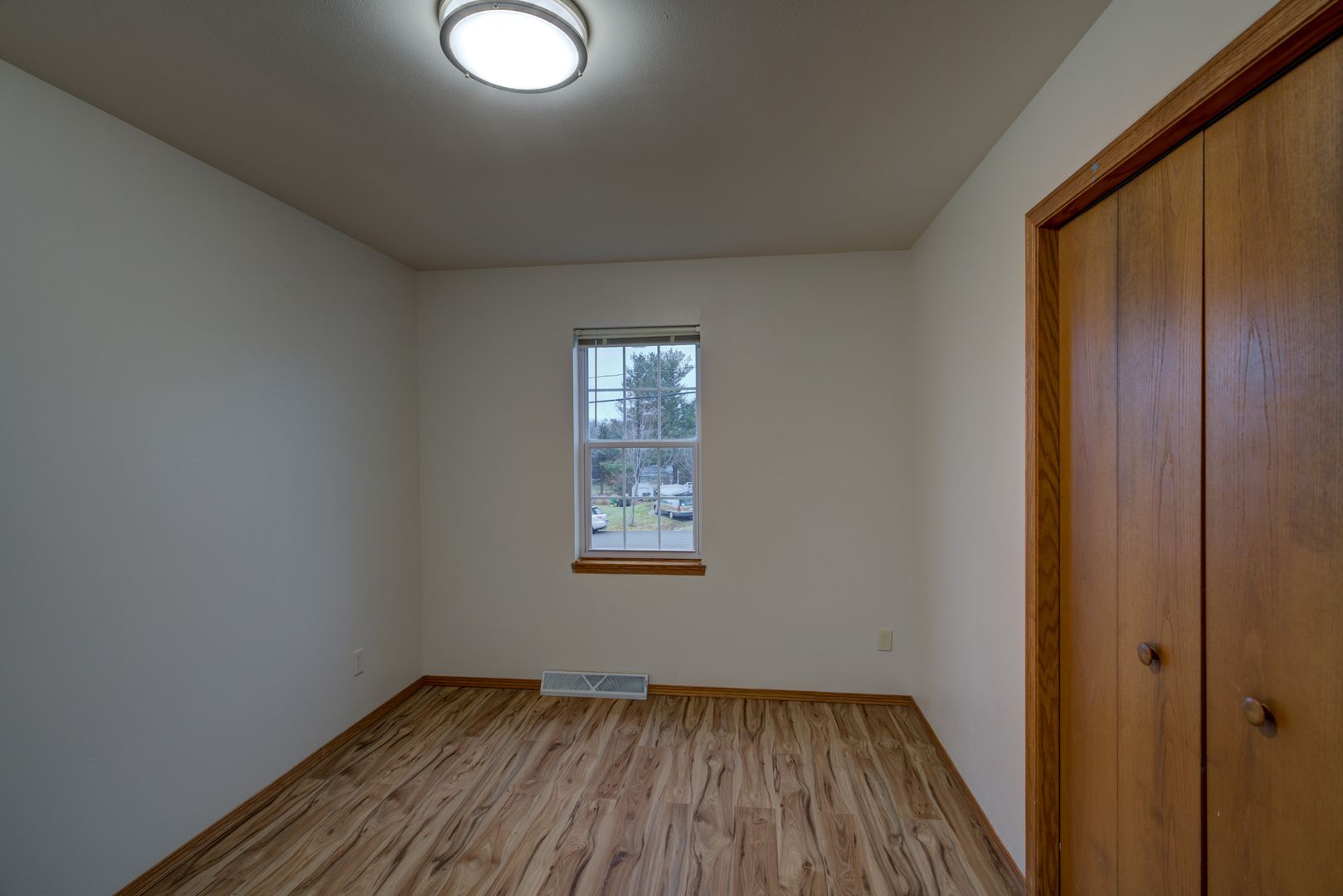
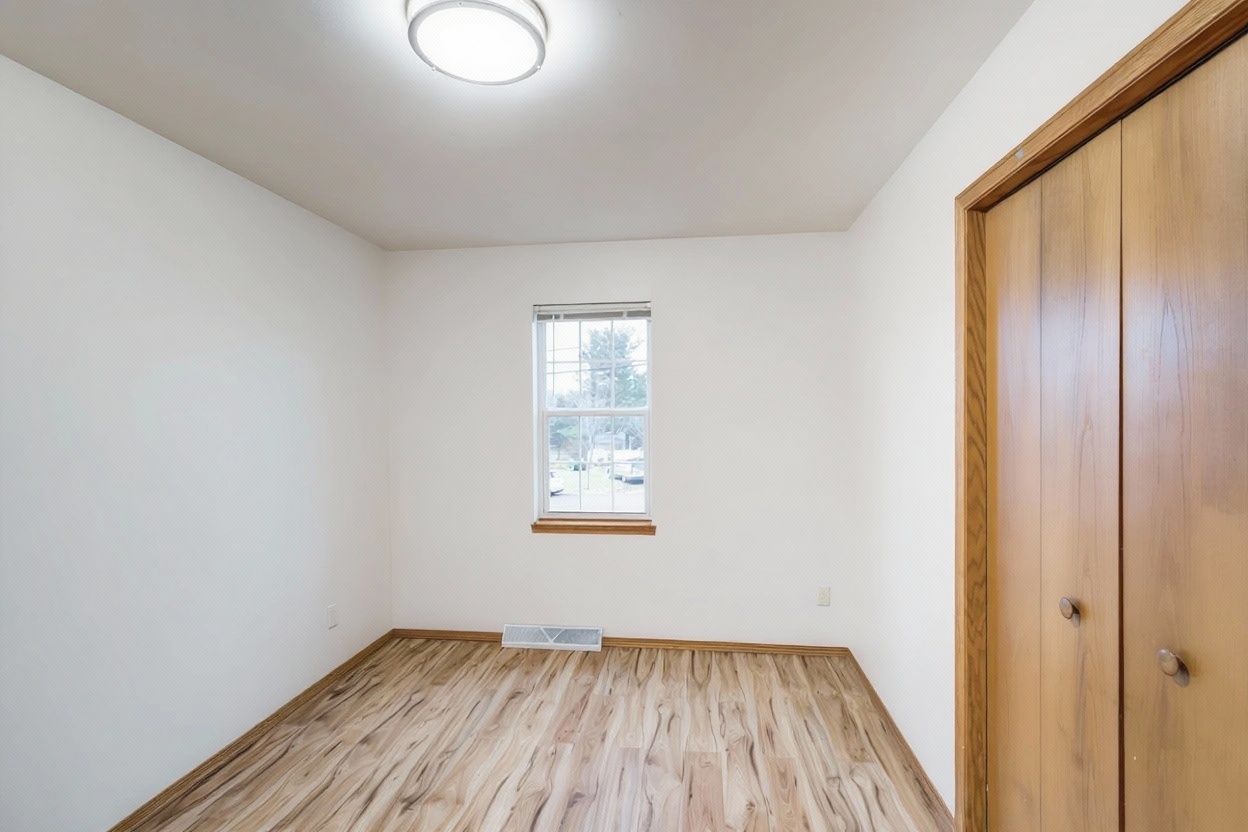
Owners want old photos off Zillow for a few common reasons — privacy after moving out, embarrassing outdated shots, or just wanting a clean slate before re-listing. What you can actually remove depends on where the photos came from, which is the part most owners don't realize until they go looking.
A few situations come up again and again. You sold a home and moved out, and the old interior photos — with your furniture, your kids' artwork, your personal stuff visible — are still sitting on Zillow's page for that address. You're about to re-list and want to clear out an outdated, poorly lit photo set before uploading better ones. Or you simply don't want strangers browsing photos of the inside of your former home indefinitely, which is a reasonable privacy concern even if nothing in the photos is sensitive.
Before you can manage any photos, you need to claim ownership of the property on Zillow. The process is the same one covered in our guide to adding and updating photos on Zillow — search the address, find the claim-ownership prompt, and verify. We won't repeat the full steps here; that post has them.
Once you've claimed the home and it's not tied to an active listing, the owner dashboard gives you direct control over the photos you've personally uploaded there. Open the dashboard, go to the photos section, and you should see options to delete individual photos or replace the set entirely. This is the straightforward case — photos you uploaded yourself, through the dashboard, are yours to remove.
This is the part that surprises most owners. Photos tied to a closed MLS listing generally don't belong to the current homeowner in Zillow's system — they belong to that listing record, which was typically controlled by the listing agent or brokerage at the time of the sale. Zillow's general approach is to preserve listing history rather than let a new (or former) owner unilaterally delete photos tied to a past transaction. That's standard behavior across most listing platforms, not something unique or broken about Zillow specifically — listing history is treated as a record, similar to how a past sale price stays visible after closing.
Practically, this means old photos may keep showing up in that property's listing history even though you no longer live there and have no ability to log in and remove them.
If you're the current owner and want historical photos gone, your best options are contacting Zillow support directly, or in some cases reaching out to the brokerage that handled the original listing, since they may have more control over that MLS record. Neither is guaranteed to result in removal — listing history preservation is a deliberate design choice, not an oversight — but it's the actual path if it matters enough to pursue.
If your concern is specifically privacy — you don't want strangers seeing the inside of your former home — it's worth separating that from the general photo-removal question. Some mapping and imagery products offer blur requests for exterior street-level or aerial views; that's a different system from interior listing photos, which generally don't have a self-service privacy-blur option. For interior photos you want addressed on privacy grounds, contacting Zillow support directly with the specific concern is the real lever here — explain the situation and ask what they can do, rather than searching for a delete button that may not exist for that photo set.
If the real goal is putting your best foot forward rather than erasing history, the more productive move is usually to stop fighting to delete old photos and instead make sure your new listing photos are strong enough that no one's looking at the old ones. A fresh, well-lit photo set naturally becomes what buyers actually see and click through — old listing history gets buried under current, active listing content in most of the ways buyers browse.
Before you upload that new set, it's worth running your phone photos through enhancement to fix exposure, color, and clarity — the same gap covered in our full guide to selling FSBO. FrameLifter does this automatically: from $9.99 per listing, never more than $29.99, no subscription. That's the difference that actually moves buyer attention — not whether an old photo from three owners ago still sits in listing history somewhere.
Depends where they came from. Owner-dashboard photos on an off-market home, yes — remove or replace them yourself. Historical photos tied to a past MLS listing generally belong to that closed listing record, not you directly, and removing them usually requires going through Zillow support.
Zillow generally keeps historical listing photos tied to a property's listing history rather than deleting them at closing. Those photos belonged to a specific MLS listing, typically controlled by the listing agent or brokerage at the time, not the current owner. Standard behavior, not a bug.
There's no general self-service privacy-blur button for interior listing photos. For a specific privacy concern, contacting Zillow support directly is the actual lever — explain the situation and ask what they can do.
You (or your agent or flat-fee MLS service) upload a new photo set for the new listing. The old listing's photos typically remain in Zillow's listing history rather than being replaced outright. The practical fix is making your new photos strong enough that buyers focus on those.
Give buyers new photos worth looking at instead of chasing old ones off the internet. Enhance your next listing's photos in about a minute.
No account · No credit card to start · Results in about a minute