Included in every enhancement · From $9.99 per listing
Balance a dim interior while keeping the window detail captured in your photo. Compare your free preview with the original, then check that the light, colors, and real view still fit the property.
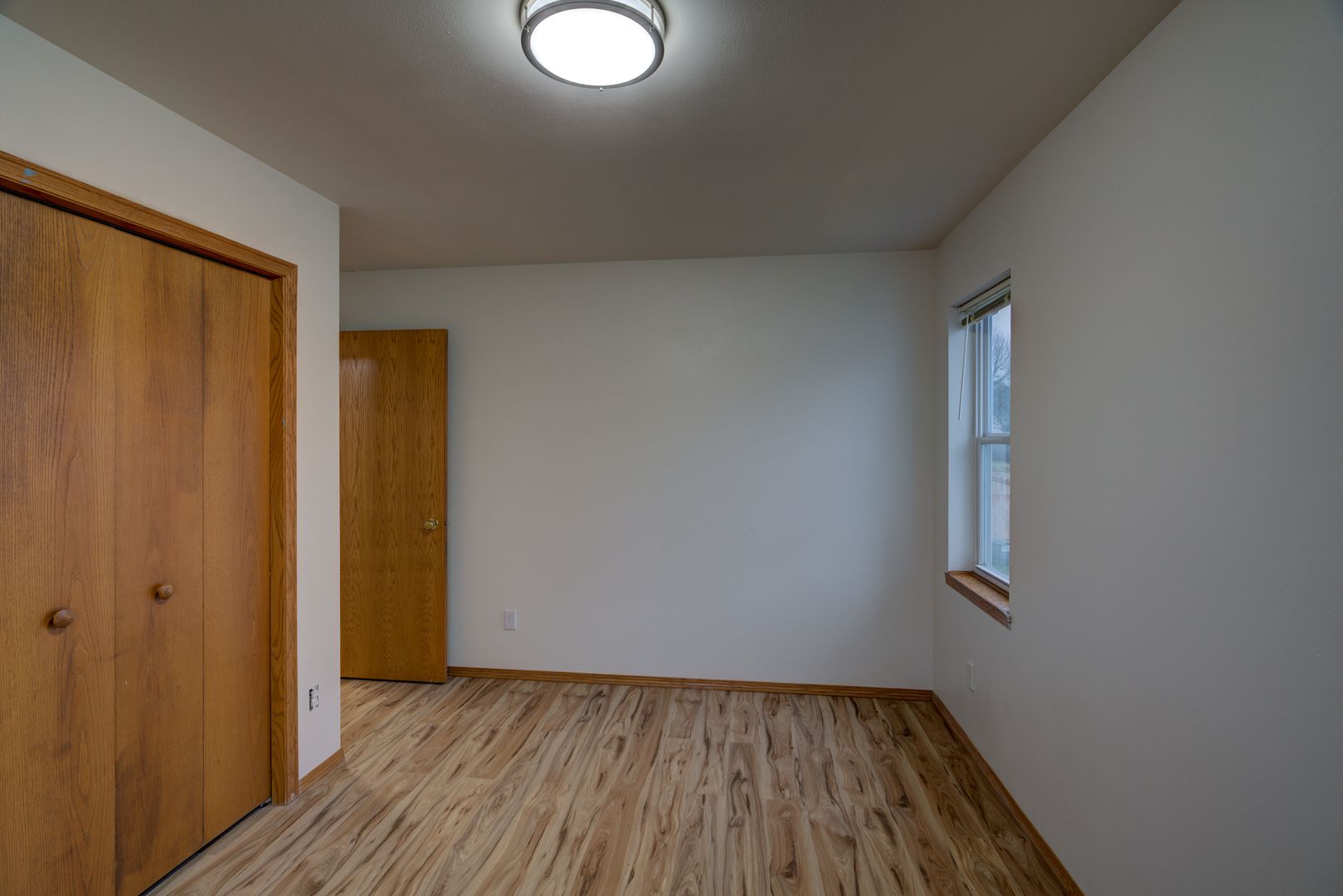
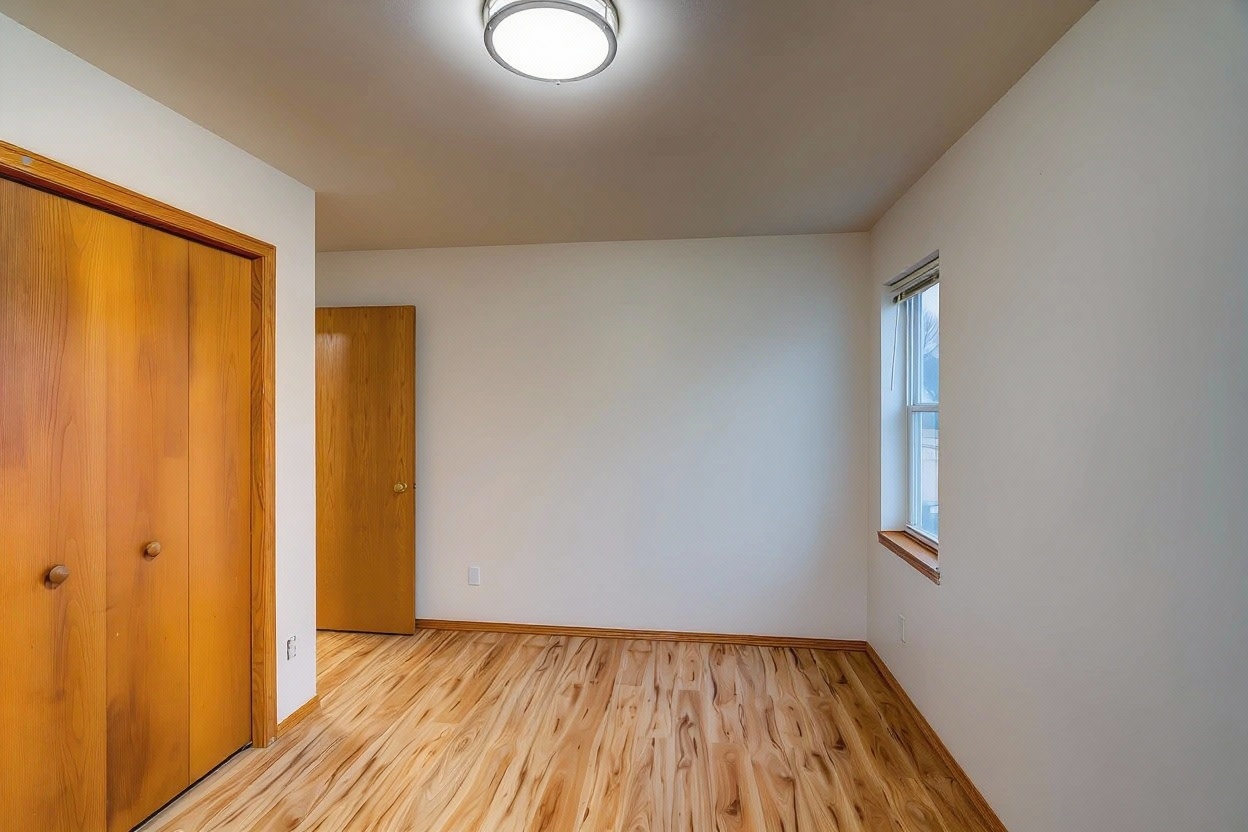
Actual FrameLifter enhancement — real listing photo
A window pull keeps the view through a window, yard, trees, sky, street, visible in a photo instead of letting it clip to solid white. Photographers traditionally do this by firing an off-camera flash to light the interior up to match the window, or by shooting several bracketed exposures and merging them in HDR software.
A single-photo edit can brighten the interior while retaining window detail that is present in the original. Check both the room and the outside view when you compare your preview.
Upload the room photo as shot, a single exposure from any phone or camera. No flash or tripod needed.
Our AI relights the room while keeping window detail intact, in the same pass that handles color and perspective correction.
Download your enhanced photo at full resolution and add it straight to your listing.
A photographer sets up an off-camera flash to light the room to match the window, or shoots several bracketed exposures and blends them in HDR software. It works well, but it takes gear, time on site, and editing skill.
FrameLifter preserves window detail automatically from a single phone or camera photo, as part of the same AI pass that fixes lighting and color. No flash, no bracketing, no software.
If the window is fully clipped in the original, take a darker exposure or capture a bracketed set. An accurate edit needs real detail to work with. See our HDR settings and bracketing guide for a practical shooting workflow.
A window pull is when the view through a window, trees, sky, a yard, stays visible in a photo instead of blowing out to solid white. Photographers traditionally do this with off-camera flash or by merging multiple bracketed exposures.
You can upload one phone or camera photo. The edit can balance the room while preserving window detail captured in that source. If the view is fully clipped, capture a darker exposure or a bracketed set; an accurate edit cannot recover a view that was never recorded.
A camera exposing for a dim interior can't also expose for the much brighter view outside the window at the same time. Without extra light or a second exposure, the window clips to solid white and the view disappears.
Results depend on the source photograph and lighting. A photographer can capture additional exposures or add light during the shoot. Compare your free preview against the original and check the window view before using it in a listing.
No. Window detail preservation runs automatically on every photo, included in the same per-photo price as relighting, color correction, and perspective correction. It's not a separate charge.
Every photo keeps its window detail automatically, as part of the same AI pass that fixes lighting and color in your listing photos.
No account · No credit card to start · Results in about a minute
