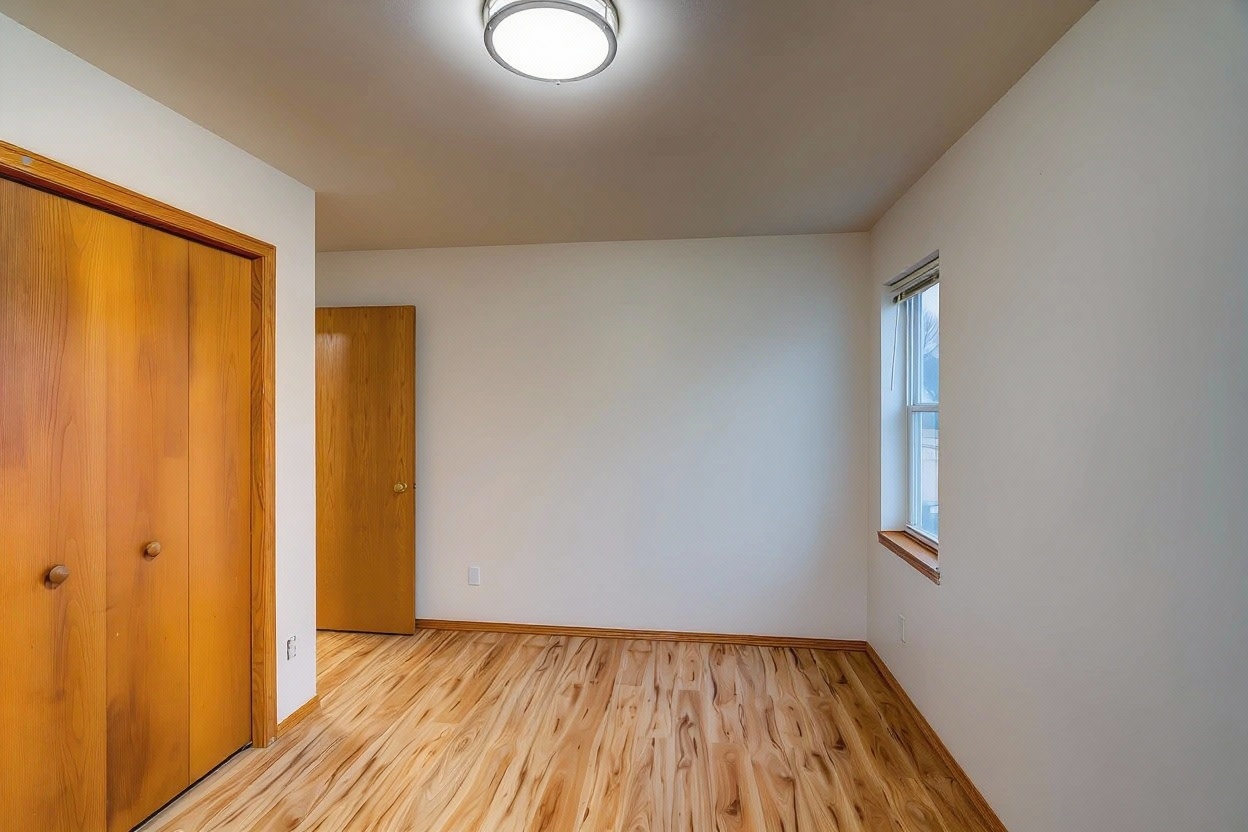
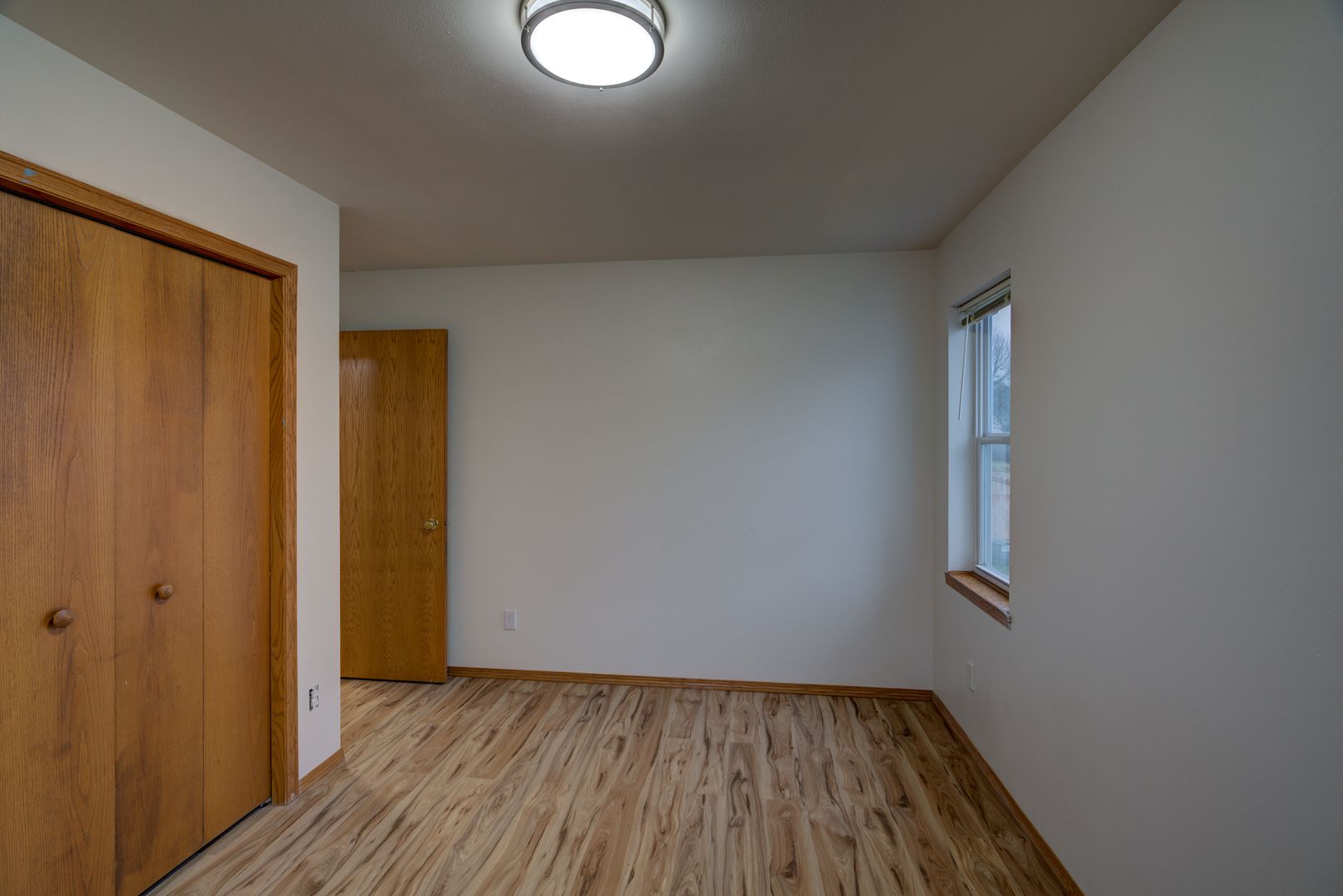
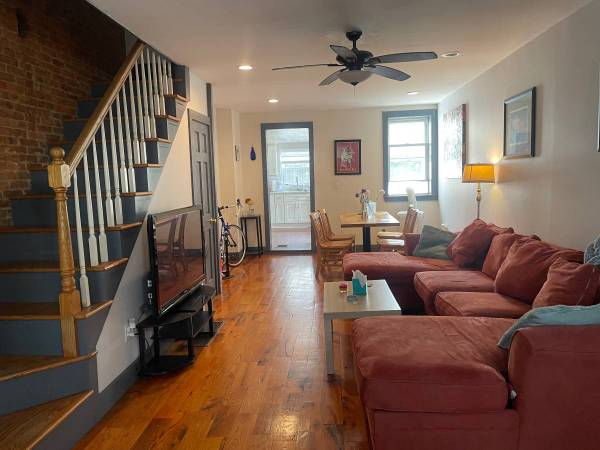
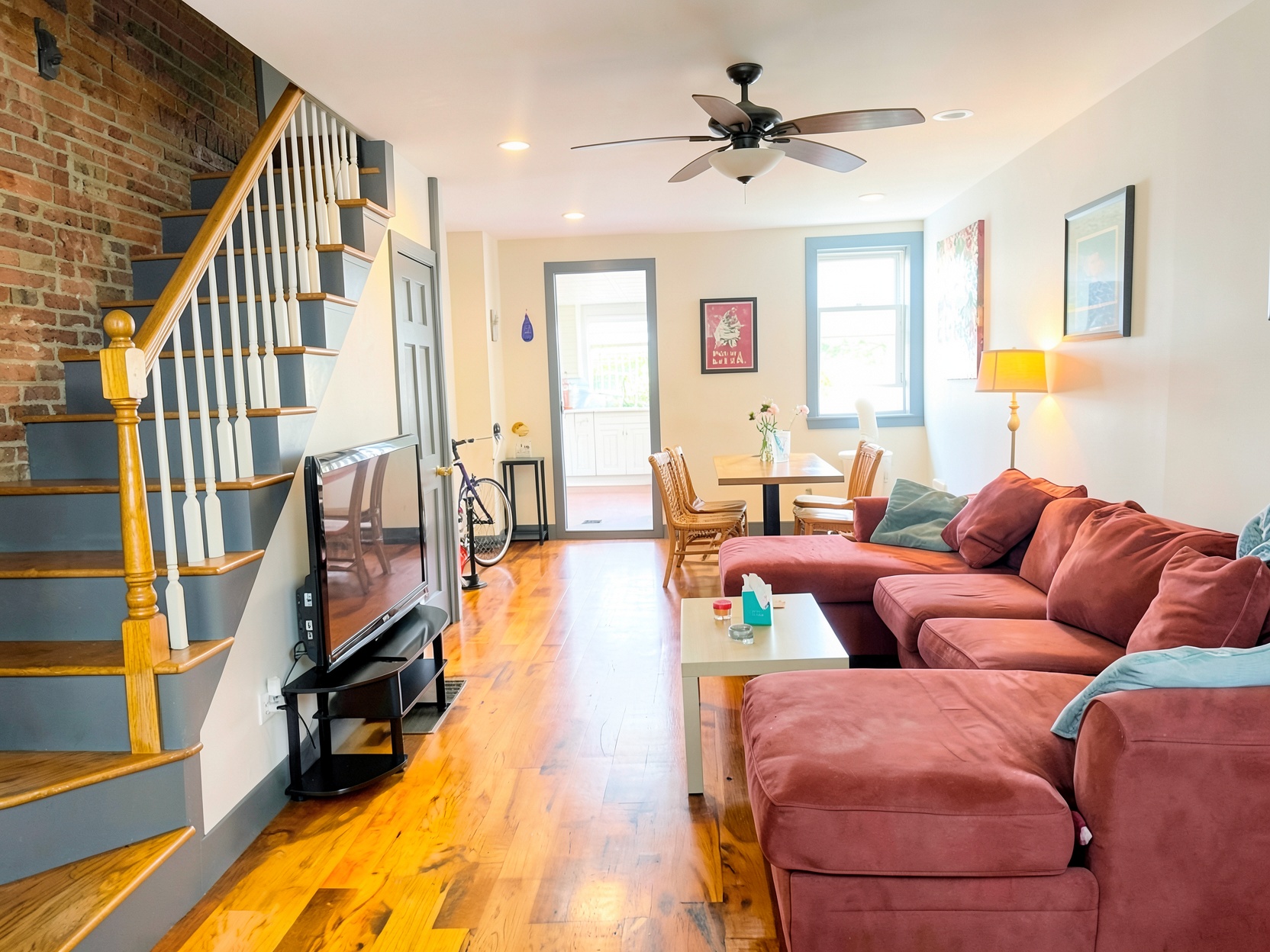
Dark listing photos are almost never a lighting problem you can't fix after the fact — they're a metering problem, a lights-off problem, or a handheld-shake problem, and each one has a specific fix. Upload the photos as shot and our AI relights the room, corrects the cause, and hands back a bright, honest result in about a minute.
Drag the slider to see the before/after
Phones auto-expose for the brightest thing in frame — usually the window — which underexposes everything else. The room isn't actually darker; the camera just picked the wrong reference point.
A room shot with overhead light only, curtains partly drawn, looks dim even at midday. It's the most common cause and the easiest to fix before shooting — but not everyone catches it in the moment.
Without a tripod, the camera has to use a fast shutter to avoid blur, which means less light hits the sensor. That's underexposure baked in before the photo is even taken.
Real Results
"Every photo from that unit was dark near the door and blown out by the window. A basic brightness slider would've just made the window worse. This actually balanced both."
David Kim
Airbnb Host, Seattle
Don't bother pre-editing. Upload the dark or unevenly lit photos exactly as your camera captured them — JPG, PNG, or HEIC.
Bad metering, warm color cast, and underexposed shadows each get corrected differently — our AI identifies which is happening in each photo and fixes it accordingly.
Full-resolution results, ready to swap in for the dark originals on your current listing — no reshoot needed.
Cause: the camera exposed for the window's brightness and left the rest of the frame underexposed. Fix: we lift the room independently instead of just brightening the whole image and blowing the window out further.
Cause: warm incandescent or LED bulbs record as a color cast on camera, even though your eyes adjust past it in person. Fix: white balance correction, applied separately from brightness so the photo isn't just a lighter version of the same tint.
Cause: strong outdoor light overwhelmed the sensor with zero image data left to recover in-camera. Fix: we pull back what detail exists and blend it against the interior exposure so the view outside isn't just a blank rectangle.
Cause: uneven light in the room — bright near the window, nothing reaching the far corners. Fix: we lift shadow regions independently so corners read as part of the room instead of a black void.
Cause: shooting handheld forces a fast shutter, which the camera compensates for with high ISO — that's where the grain comes from. Fix: noise reduction paired with detail sharpening, not just a blur filter.
Cause: overcast skies or dim, single-source indoor lighting give the camera nothing to create contrast with. Fix: we rebuild depth and dimension across the frame instead of a uniform brightness bump that keeps it flat.
$1.99 per additional photo after the first five
No tripod, no reshoot, no bracketed HDR shots — just the photos you already have, fixed.
Yes. That's a metering problem, not a lighting problem — the camera picked the window as its brightest reference point and underexposed everything else. Our AI relights the room independently of the window, recovering detail on both sides instead of just brightening the whole frame uniformly.
No, it's a separate problem. That cast comes from warm indoor bulbs your camera recorded literally, even though your eyes adjusted past it. Our AI corrects white balance and lifts exposure as two distinct steps, so you get true color and proper brightness instead of a photo that's just lighter and still yellow.
It depends how dark. If there's still detail buried in the shadows, our AI can lift it cleanly. If the room reads as pure black with no real image data, no software can invent detail that was never captured — turn on the lights and reshoot, or check that phone HDR was actually enabled.
Yes. Upload your existing listing photos and swap them for the corrected versions once they're done. No need to revisit the property or reshoot anything.
Underexposed listing photos don't just look bad — they make people wonder what you're not showing them. Fix the cause, not just the brightness slider.
No account · No credit card to start · Results in about a minute