Comparison Guide
Both services use AI to stage listing photos, but they price and package it very differently. This guide compares Apply Design's coin-based pricing against FrameLifter's flat rate, plus turnaround time and features, to help you choose the right option.
| Feature | FrameLifter | Apply Design |
|---|---|---|
| Pricing Model | From $9.99/listing, $1.99 per additional photo after the first five, staging $4.99/photo | Coin packs ($7-$10/coin), staging only |
| Cost for 20 Photos (unstaged) | $39.84 | $210-$300 (staging only) |
| Cost for 50 Photos (unstaged) | $99.54 | $525-$750 (staging only) |
| Turnaround Time | 60 seconds | 10 minutes (auto-staging) |
| Processing Method | AI-powered (instant) | AI auto-staging or DIY manual tool |
| Preview Before You Pay | Preview your first photo free | First image free |
| Virtual Staging | $4.99/photo, offered after your photos are done | Core service (1-1.5 coins/photo) |
| Item/Furniture Removal | Not offered | Included |
| Money-Back Guarantee | 7-day guarantee | Unlimited revisions |
Apply Design pricing per Apply Design's published pricing as of July 2026: coins cost $10 each for 1-9 coins, $8 each for 10-19 coins, and $7 each at 20+ coins. Auto-staging uses 1.5 coins per 2D image, so the ranges above reflect the $7-$10/coin spread.
FrameLifter returns AI-enhanced photos in about 60 seconds. Apply Design's auto-staging has a 10-minute turnaround — fast for the industry, but 10x slower than FrameLifter when you're staging a whole listing under a deadline.
FrameLifter charges from $9.99 per listing for enhancement, dusk, sky, and cleanup, $1.99 per additional photo after the first five, plus $4.99 per photo for staging. Apply Design sells coins in tiers ($10, $8, or $7 each depending on how many you buy), and auto-staging alone costs 1.5 coins per image — so your real cost depends on how much you prepay upfront, and it covers staging only.
Both services use AI. FrameLifter is fully automated end-to-end for consistent, instant results. Apply Design offers the same kind of automated auto-staging plus a DIY manual tool if you'd rather place furniture and adjust the design yourself.
FrameLifter bundles photo enhancement, day-to-dusk, sky replacement, and cleanup into one listing price from $9.99, with virtual staging priced separately at $4.99per staged photo. Apply Design's coin system is staging-focused, with furniture removal included and other edits priced and tracked separately by coin cost.
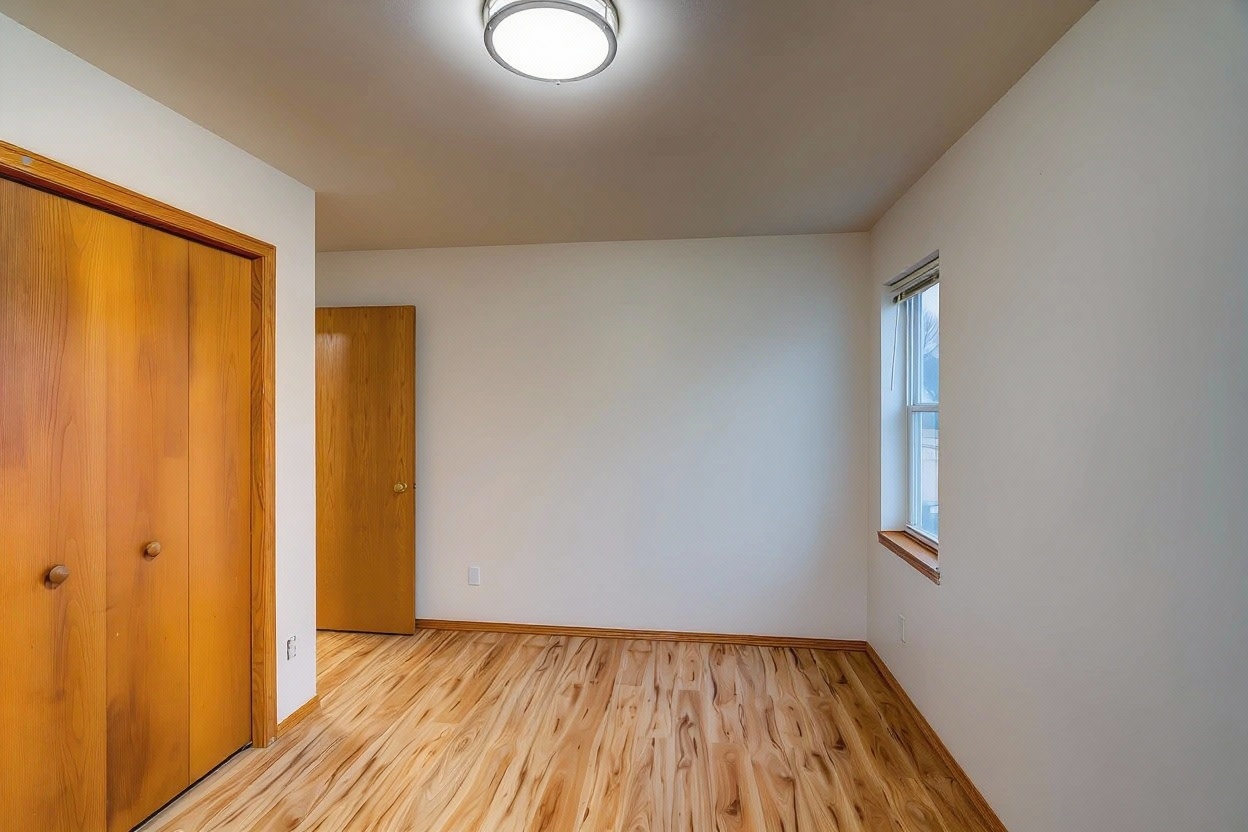
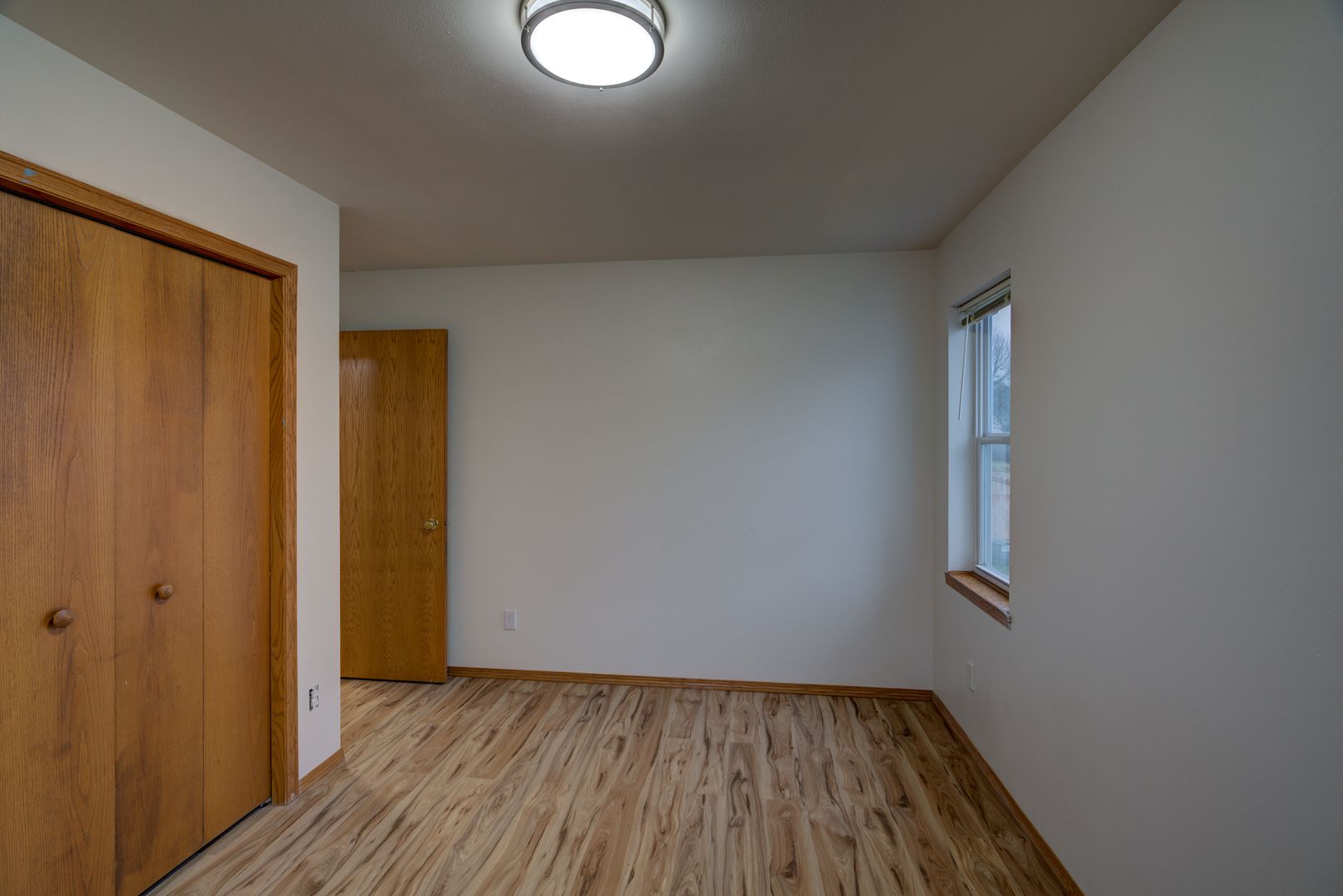
See the quality of FrameLifter's AI virtual staging. Drag the slider to compare before and after.
Processed in 60 seconds with FrameLifter AI
10 Photos
$19.94
FrameLifter
$105-$150
Apply Design (15 coins, staging only)
30 Photos
$59.74
FrameLifter
$315-$450
Apply Design (45 coins, staging only)
100 Photos
$199.04
FrameLifter
$1,050-$1,500
Apply Design (150 coins, staging only)
Apply Design ranges reflect auto-staging at 1.5 coins/photo, priced at $7/coin (20+ coin bulk tier) to $10/coin (1-9 coin tier). Purchases of 30 or 100 photos (45 or 150 coins) qualify for the 20+ coin bulk rate of $7/coin; the 10-photo example spans the full $7-$10 range depending on how many coins you choose to buy at once. Figures per Apply Design's published pricing as of July 2026.
FrameLifter is the better choice if you want the fastest possible turnaround, an enhancement price from $9.99 per listing and a clear $4.99/photo staging rate, and don't want to think about coin balances or bulk-buy tiers to get a good rate.
Apply Design is a fair pick if you want a DIY manual staging tool for hands-on control, need furniture removal in the same workflow, or are comfortable managing coin purchases to chase the lowest per-image staging cost.
Apply Design sells coins in bulk instead of a flat per-photo rate. Coins cost $10 each for 1-9 coins, $8 each for 10-19 coins, and $7 each at 20+ coins. Auto-staging costs 1.5 coins per 2D image, so your effective price depends on how many coins you buy at once.
Apply Design's DIY tier costs 1 coin per 2D image, which can be as low as $7/photo at the bulk rate. FrameLifter's staged photos are $4.99/photo and still cost less, and enhancement (dusk, sky, cleanup) is from $9.99 per listing on top, $1.99 per additional photo after the first five.
No. FrameLifter is fully automated: upload a photo and get an AI result in about 60 seconds. Apply Design offers both automated AI staging and a DIY manual tool for hands-on placement.
FrameLifter is faster: results in about 60 seconds versus Apply Design's 10-minute turnaround for auto-staging.
Yes, furniture removal is included in Apply Design's service lineup. FrameLifter does not currently offer item or furniture removal, but does offer AI virtual staging at $4.99/photo.
See one full-quality preview before you pay — no coin packs, no tiers, no waiting.
60-second results · No credit card to start · Full quality