Optional per-photo touch-up · Included in the price
A license plate in the driveway shot. A family photo on the fridge. Small details that shouldn't end up in a public listing. Select Privacy Blur as a touch-up on any photo before you order, and it detects and blurs them, included in the per-photo price.
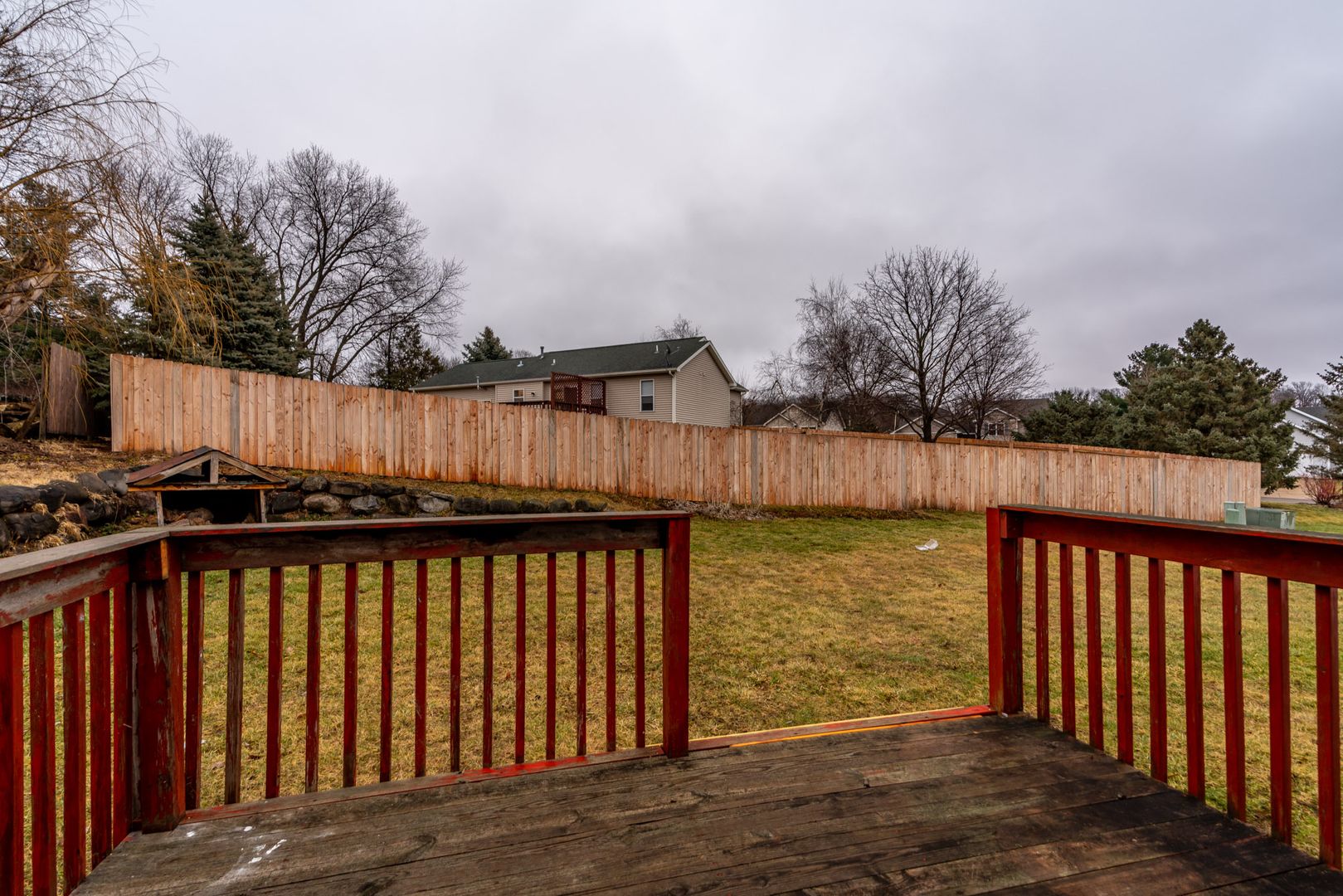
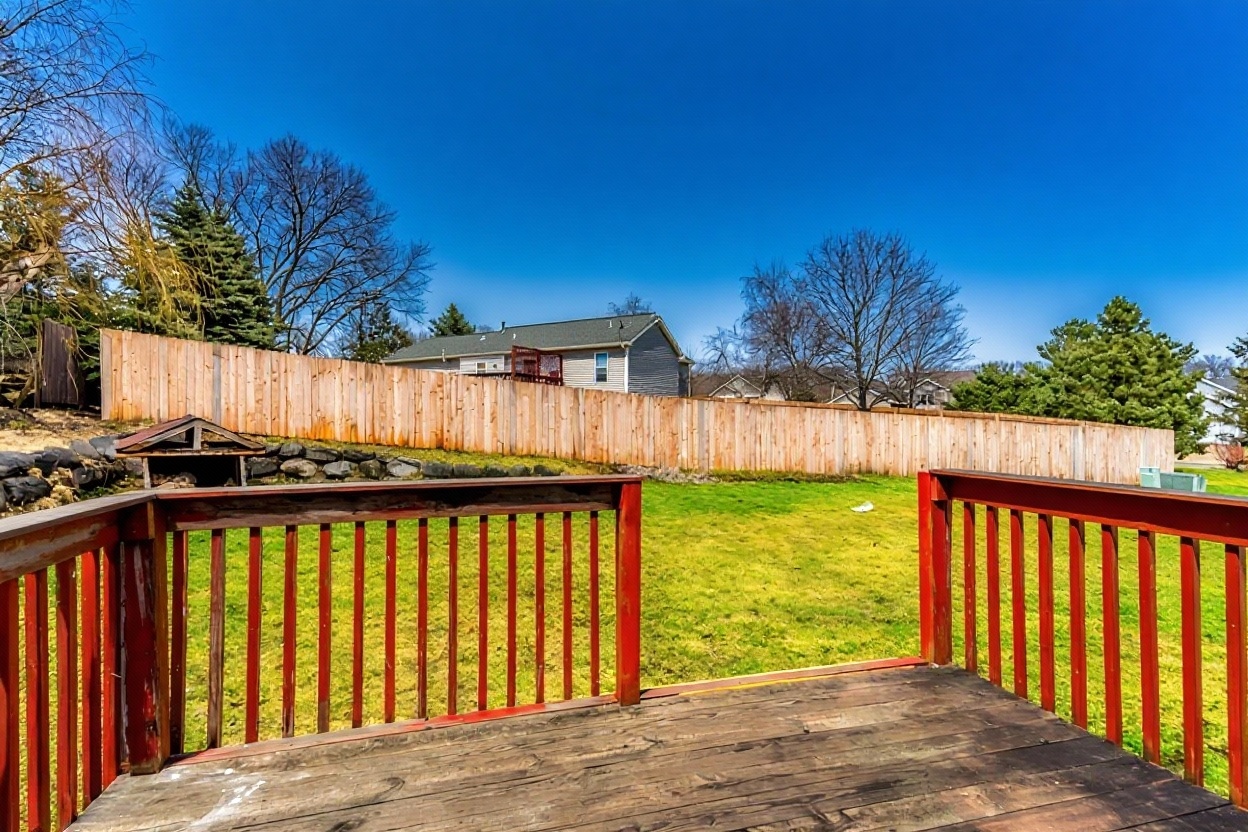
Example enhancement result
Upload photos straight from your phone or camera. Any exterior, driveway, or interior shot works, no special setup needed.
Choose the "+ Privacy" touch-up on any photo that needs it. Our AI detects license plates and personal family photos in the frame and blurs them.
Download your enhanced, privacy-checked photos at full resolution and add them straight to your listing.
Exterior and curb-appeal photos often catch a license plate in the driveway or on the street. Select Privacy Blur on that photo and it blurs the plate for you.
Sellers don't always clear personal photos off a fridge or shelf before the shoot. Privacy Blur catches them when you choose it for that photo.
Select the touch-up on any photo that needs it, right alongside staging, dusk, sky, and cleanup, so it's ready before you publish a listing.
A touch-up you select per photo, before you order. It detects and blurs license plates and personal family photos, specifically. Included in your listing price when you select it.
A separate toggle you turn on per photo. It handles faces, mirror reflections of the photographer, and small clutter. Included in your listing price when you switch it on.
Use both together: Privacy Blur handles license plates and family photos on the photos you select it for, and Photo Cleanup is there when a specific photo needs a face blurred or a reflection removed.
Privacy Blur detects vehicle license plates visible in driveway, street, or garage shots and personal family photos displayed on walls, shelves, or fridges, and blurs them when you select it. Choose it as a touch-up on any photo before you order.
Photo Cleanup is a separate toggle you turn on per photo, and it also handles mirror reflections and small clutter. Privacy Blur is the touch-up you select specifically for license plates and personal family photos.
You choose it. Select the "+ Privacy" touch-up on any photo before you order, just like staging, dusk, sky, or cleanup.
Privacy Blur reduces the risk of identifiable details like license plates or family photos appearing in public listing photos. It's a deterministic detection-and-blur pass, not a legal compliance guarantee, so you should still review photos before publishing, especially for MLS rules specific to your board.
No separate charge. It's included in your listing price when you select it for a photo.
License plates and family photos blurred on any photo you select, included in the per-photo price.
Secure upload · MLS-ready results · 60-second turnaround
