Included in every enhancement · Professional listing photos from $9.99
Phone photos of rooms often come out with leaning walls and tilted door frames. Our AI straightens verticals on every photo automatically, as part of the same enhancement pass that fixes lighting and color, no tripod, no editing software.
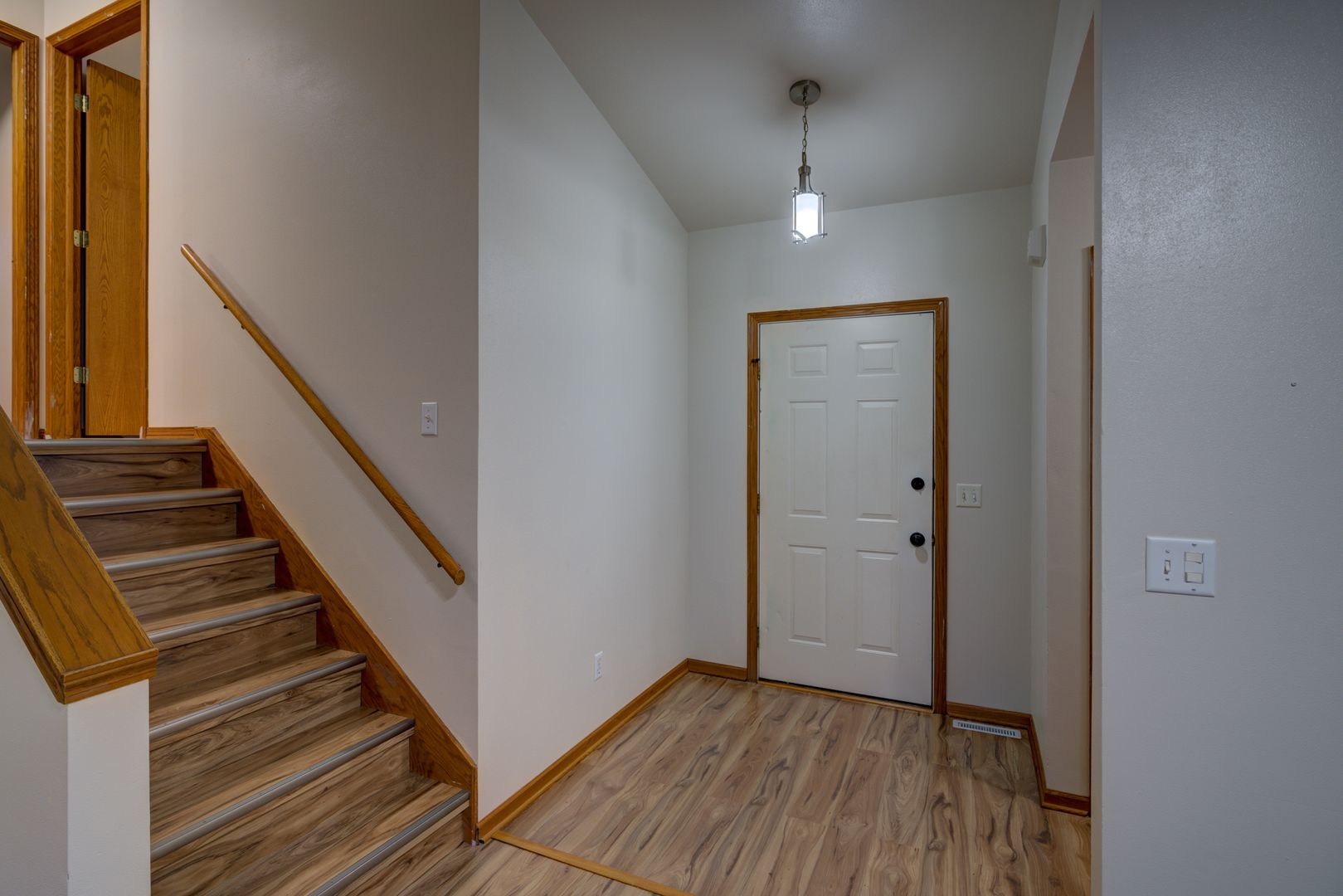
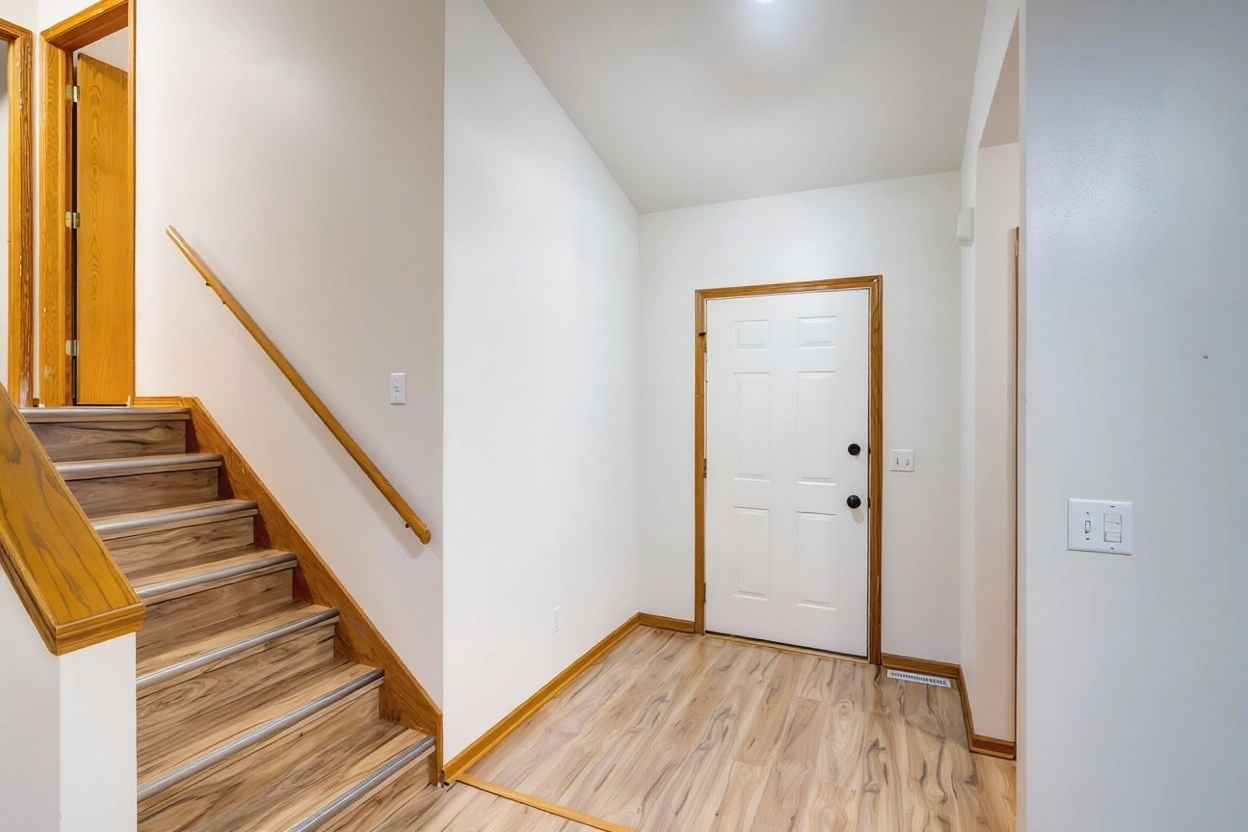
Actual FrameLifter enhancement — real listing photo
Hold a phone up or down even slightly and every vertical line in the shot, door frames, cabinets, window edges, starts leaning toward the center. Wide-angle lenses make it worse by bowing straight lines near the edges of the frame. The room ends up looking like it's tipping over.
Our AI detects the vertical lines that should be straight and corrects the perspective so they run parallel again. Walls look upright, frames look square, and the room reads as level, the way a buyer expects a listing photo to look.
Upload the room or exterior photo as you shot it, handheld, on a phone or camera. No special gear required.
Our AI detects tilted lines and levels the frame automatically, in the same pass that handles lighting, color, and window detail.
Download your corrected photos at full resolution and add them straight to your listing.
Pointing a phone up to fit a tall room, or down to fit a low ceiling, is the most common cause. Even a small tilt makes walls converge toward the top or bottom of the frame.
Phone wide-angle lenses fit more of a room into the shot, but they bend straight lines near the edges of the frame to do it. That bowing shows up most on door frames and cabinets near the sides.
Normal keystoning and tilted verticals correct cleanly. Extreme, fisheye-level bowing from an ultra-wide lens is a different problem, and it's better avoided at capture time than fixed afterward, pushing that much correction into a photo starts to warp the room itself.
Our guide to shooting real estate photos on an iPhone covers how to hold the phone level and avoid extreme wide-angle distortion before you even upload.
Perspective correction straightens vertical lines, like door frames, walls, and cabinets, that lean or converge because of the angle the photo was shot at. It makes a room look level and true instead of tilted.
It fixes normal keystoning and tilted verticals well. Extreme fisheye-level bowing from an ultra-wide lens is harder to correct after the fact without warping the room. For those shots, it's better to avoid the distortion at capture time.
It usually happens when the phone is tilted up or down instead of held level, or when a wide-angle lens bends straight lines near the edges of the frame. Both are common when shooting a room in a single handheld shot.
No. It's built for regular handheld phone or camera shots. Just upload the photo as you took it and the correction happens automatically.
No. Perspective correction runs automatically on every photo, included in the same per-photo price as relighting, color correction, and window pulls. It's not a separate charge.
Every photo gets straightened verticals automatically, as part of the same AI pass that fixes lighting, color, and window detail in your listing photos.
Secure upload · No credit card required · 60-second turnaround
