Based on research and host feedback, here's exactly what photos guests look for when deciding whether to book - and what missing photos cause them to skip your listing.
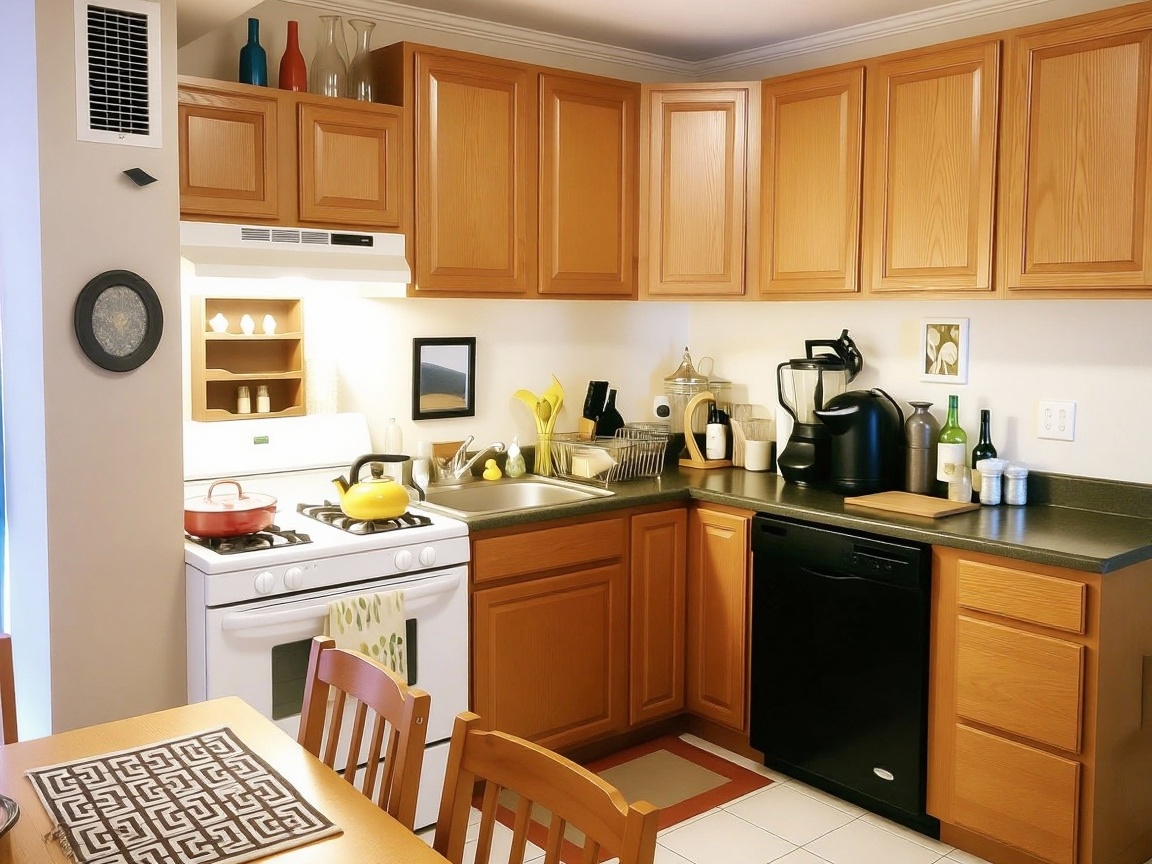
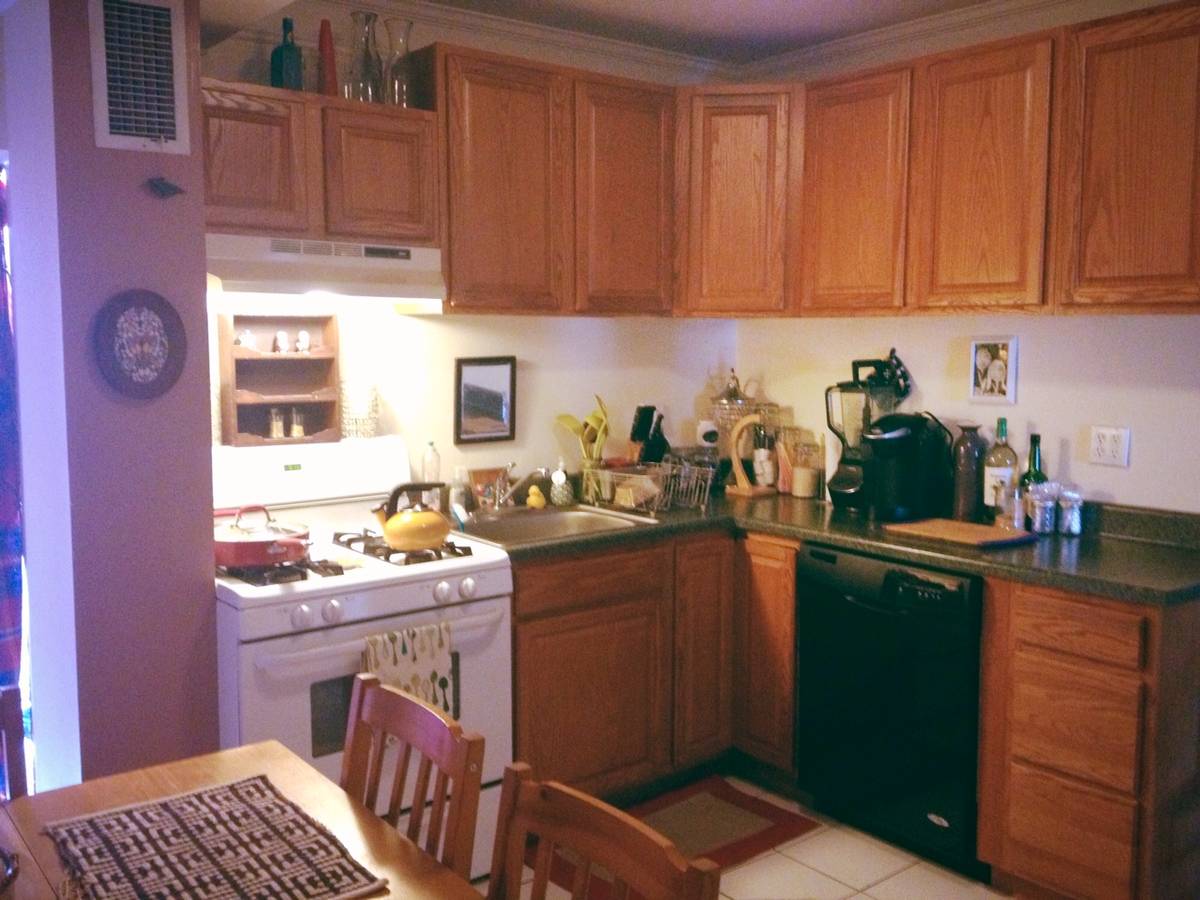
Drag the slider to compare before and after. Real customer photos enhanced with our AI technology.
No credit card required
Airbnb's research shows that guests spend an average of just 20 seconds looking at listing photos before deciding to keep reading or move on. In those 20 seconds, they're making snap judgments about:
The right photos answer these questions positively. Missing or poor photos raise doubts that send guests to the next listing.
What guests want: A bright, inviting wide shot that captures the essence of your space. Usually the living room, main bedroom, or an impressive exterior.
Why it matters: This is the only photo guests see while scrolling through search results. It needs to stop the scroll.
Pro tip: Choose your most photogenic space with the best natural light.
What guests want: To see the full space where they'll relax. One wide shot showing the whole room, one showing the seating area up close.
Why it matters: This is where guests imagine spending their evenings. Show it's comfortable and spacious.
What guests want: Counter space, appliances, storage. They want to know they can cook meals.
Why it matters: Guests planning longer stays or traveling with families prioritize kitchens heavily.
Must show: Stove, refrigerator, microwave, coffee maker, counter space.
What guests want: Bed size clearly visible, clean linens, storage space, natural light.
Why it matters: Sleep quality is a top concern. Guests want to verify bed sizes match the listing.
Must show: Full bed visible, nightstands, closet or storage area.
What guests want: Cleanliness evidence, shower/tub type, counter space, towels.
Why it matters: Bathrooms are the #1 area where guests look for cleanliness red flags.
Must show: Toilet (lid closed), shower/tub, sink area with fresh towels.
What guests want: Seating capacity, table size, connection to kitchen.
Why it matters: Groups need to know everyone can eat together.
What guests want: What the building looks like, parking situation, curb appeal.
Why it matters: Helps guests find the property and sets expectations for the neighborhood.
What guests want: Patio, balcony, yard, pool, or any outdoor amenity.
Why it matters: Outdoor space is a major differentiator. If you have it, show it prominently.
What guests want: What they'll see when they look out the window.
Why it matters: A good view can justify higher prices. Even a nice garden view adds value.
What guests want: Desk, chair, good lighting, power outlets nearby.
Why it matters: Remote workers now make up a huge portion of Airbnb guests. A proper workspace is a booking driver.
Based on common guest complaints and questions, these are the photos hosts forget to include:
Guests frequently complain about not being able to clearly see the bed. Is it a queen or full? Are there two twins or one king? Show the entire bed, clearly.
Many listings show only a partial bathroom shot. Guests want to see: Is there a tub or just a shower? How much counter space? Is there storage for toiletries?
"Is there a dishwasher?" "What kind of stove?" Show all appliances clearly. Include a photo inside the refrigerator if it's stocked with basics.
For longer stays, guests need to know they can unpack. Show open closets, drawers, or luggage storage areas.
If you offer parking, show exactly where and how. Driveway, garage, street parking - guests want to see it.
If you have laundry facilities, photograph them. This is a major amenity for families and longer stays.
How do guests get in? A photo of the entrance and check-in process reduces anxiety and questions.
Airbnb shows your photos in the order you arrange them. Here's the optimal sequence based on how guests browse:
A photo of just a lamp or a single decorative item doesn't help guests understand the space. Every photo should show context.
Dark photos make guests assume the space is dingy, even if it's beautiful in person. Brighten all photos.
Family photos, kids' artwork on the fridge, religious items - these make guests feel like they're staying in someone's home rather than their own vacation space.
A pile of remotes on the coffee table, products on the bathroom counter, magnets covering the fridge - clutter signals "mess."
Shooting from too low (shows ceiling) or too high (shows floor) distorts the space. Chest-height, level shots are best.
If you've updated furniture, paint, or decor, retake your photos. Guests arriving to find something different than pictured is a recipe for bad reviews.
Research suggests 25-35 photos is optimal for most Airbnb listings. This allows you to:
Guests get suspicious. "What are they hiding?" Fewer photos correlate with lower booking rates and more questions from potential guests.
Guests won't look at all of them. After about 40 photos, engagement drops significantly. Quality over quantity.
Every photo should be well-lit. Dark photos are the #1 reason guests skip listings. If your space doesn't have great natural light, enhance your photos.
Blurry photos look unprofessional and make guests wonder what you're trying to hide. Use a tripod or steady hand, and ensure focus is correct.
Photos should represent reality. Over-edited or misleading photos lead to disappointed guests and bad reviews. Enhance for brightness and color, but don't misrepresent the space.
All photos should have similar brightness, color tone, and quality. A mix of professional and amateur shots looks disjointed.
Airbnb recommends at least 1024 x 683 pixels, but higher is better. Guests zoom in on photos to see details.
What they prioritize: Workspace photos, WiFi speed mentioned, quiet environment, good lighting, proximity to their destination.
Must-have photos: Dedicated desk area, comfortable chair, good lighting at desk, outlet accessibility.
What they prioritize: Safety, space, sleeping arrangements, kitchen facilities, outdoor play areas.
Must-have photos: All sleeping spaces clearly, kitchen in detail, any child-friendly amenities (high chair, pack-n-play), fenced yard if available.
What they prioritize: Ambiance, comfort, privacy, special features like hot tubs or views.
Must-have photos: Bedroom looking inviting, bathroom amenities, any romantic features (fireplace, balcony, tub).
What they prioritize: Common spaces, sleeping capacity, entertainment options.
Must-have photos: Living room showing seating capacity, all beds clearly, dining area, any entertainment features (game room, pool, BBQ).
Essential shots included?
Quality check:
Order check:
Now you know what photos guests want to see. The next step is making sure those photos are bright, professional, and inviting. Our AI enhancement service automatically optimizes your listing photos - fixing brightness, color balance, and clarity so your photos match guest expectations.
See the difference AI enhancement makes • No credit card required